
Roku
A native channel for the cheapest box in most living rooms. Beta when it is genuinely usable on a remote, not before.
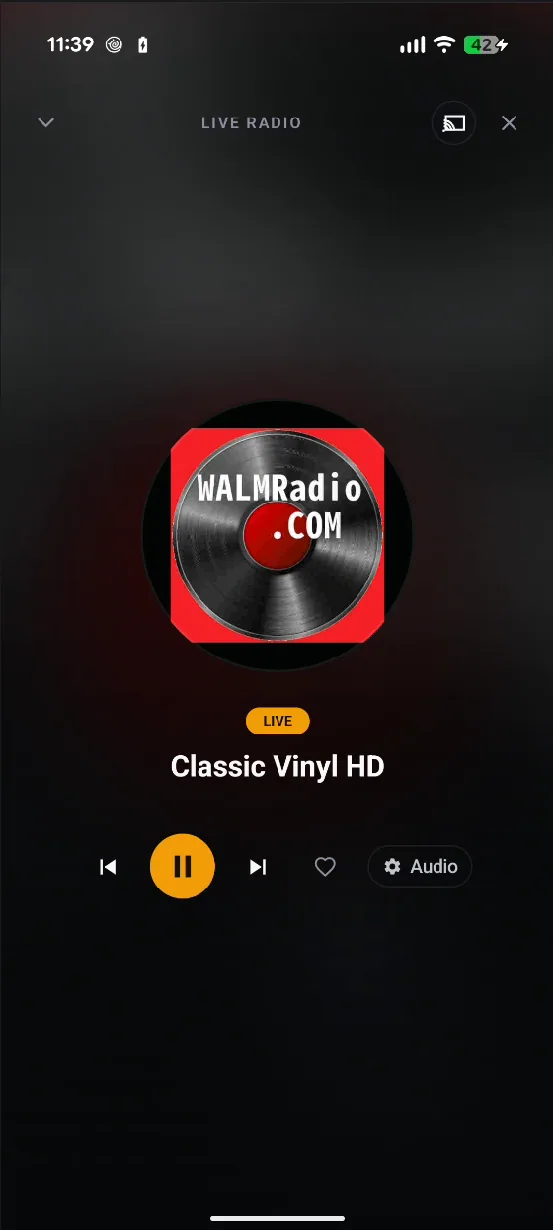
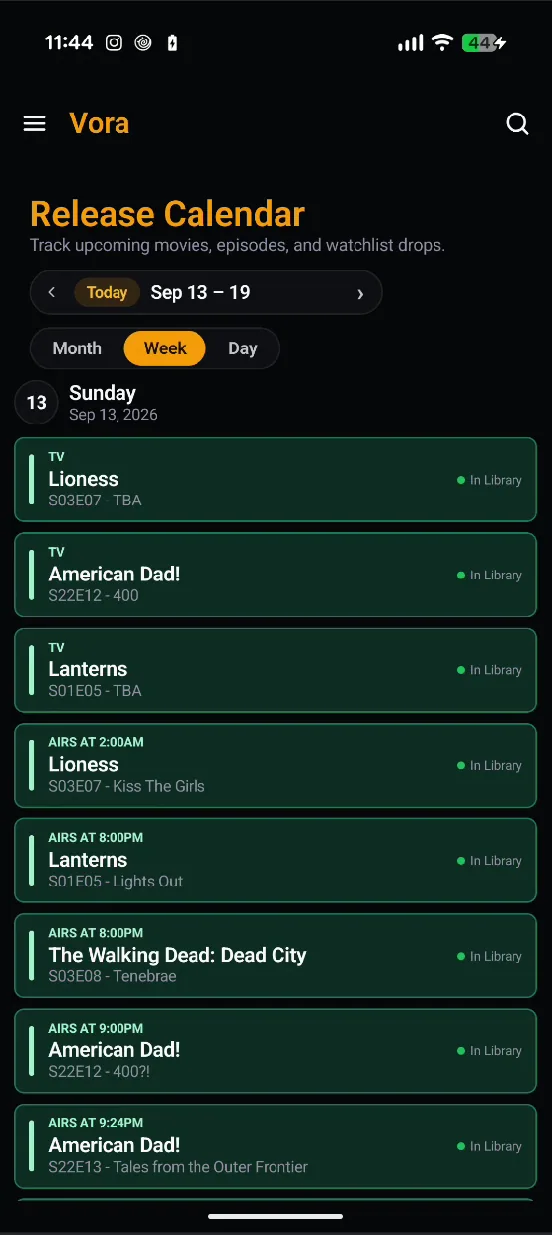
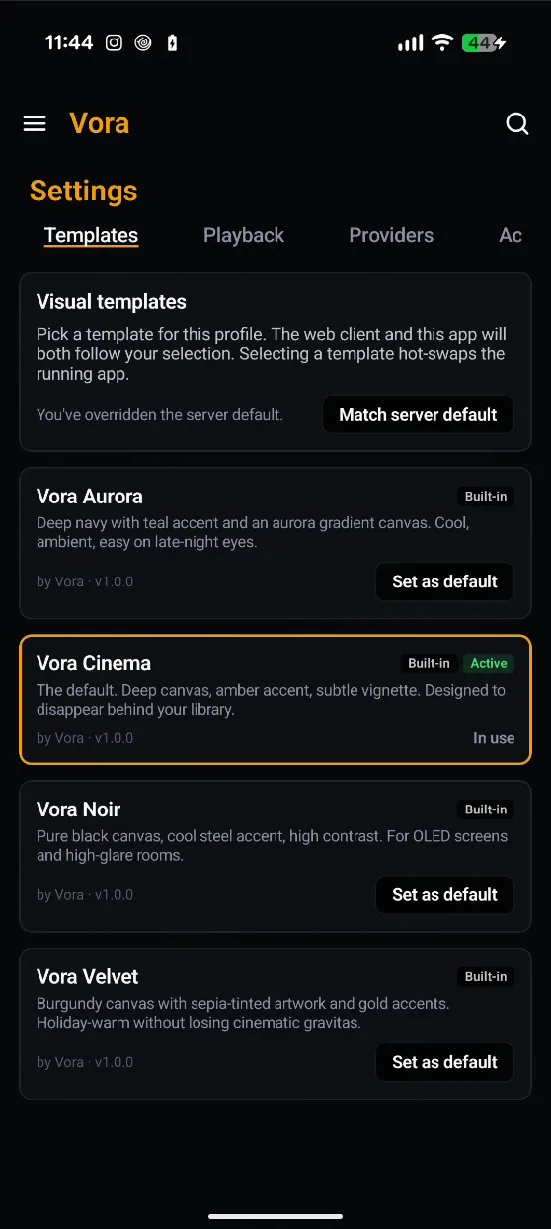
The Android client is a single app that reshapes itself for the device it launches on — touch on a phone, a D-pad on the television, and a browsable audio tree in the car. Your watch state, watchlist and settings follow you between all of them. Android ships first;Roku, Apple TV and Fire TV are in the works.
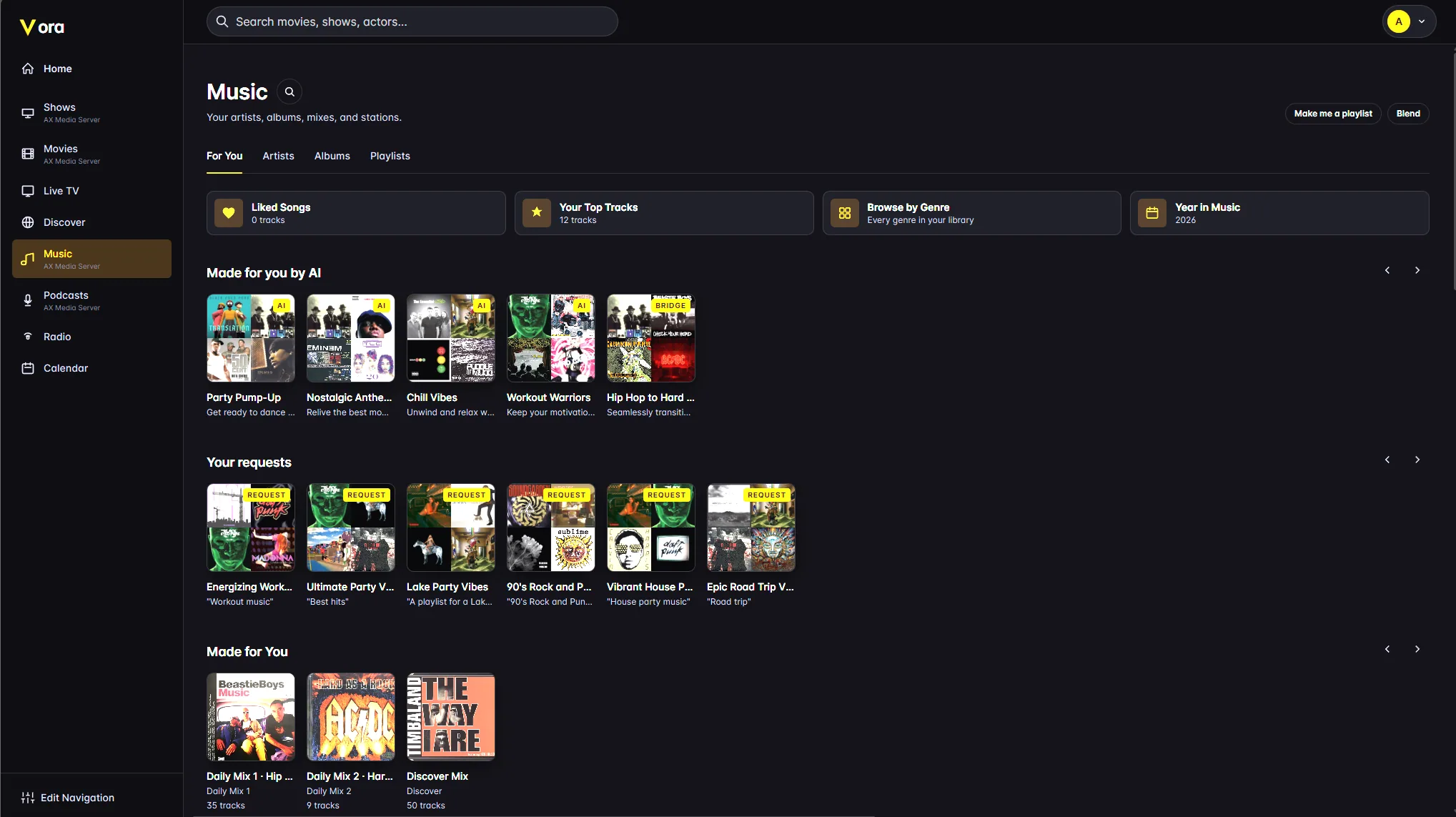
Any browser on any machine, nothing to install. The web client is also the only place the server's administration lives, so this is where you set libraries up — and then mostly stop thinking about them.
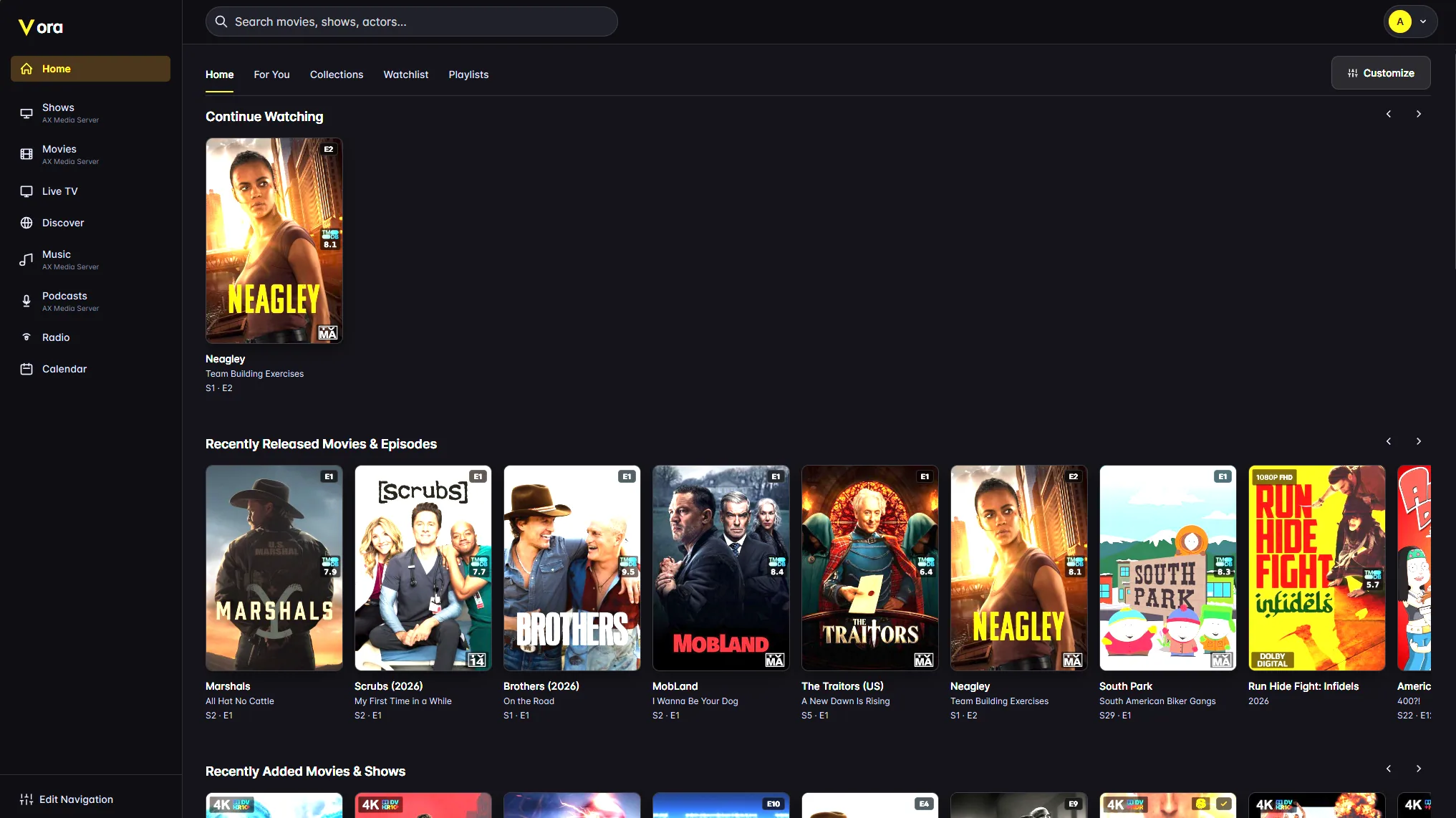
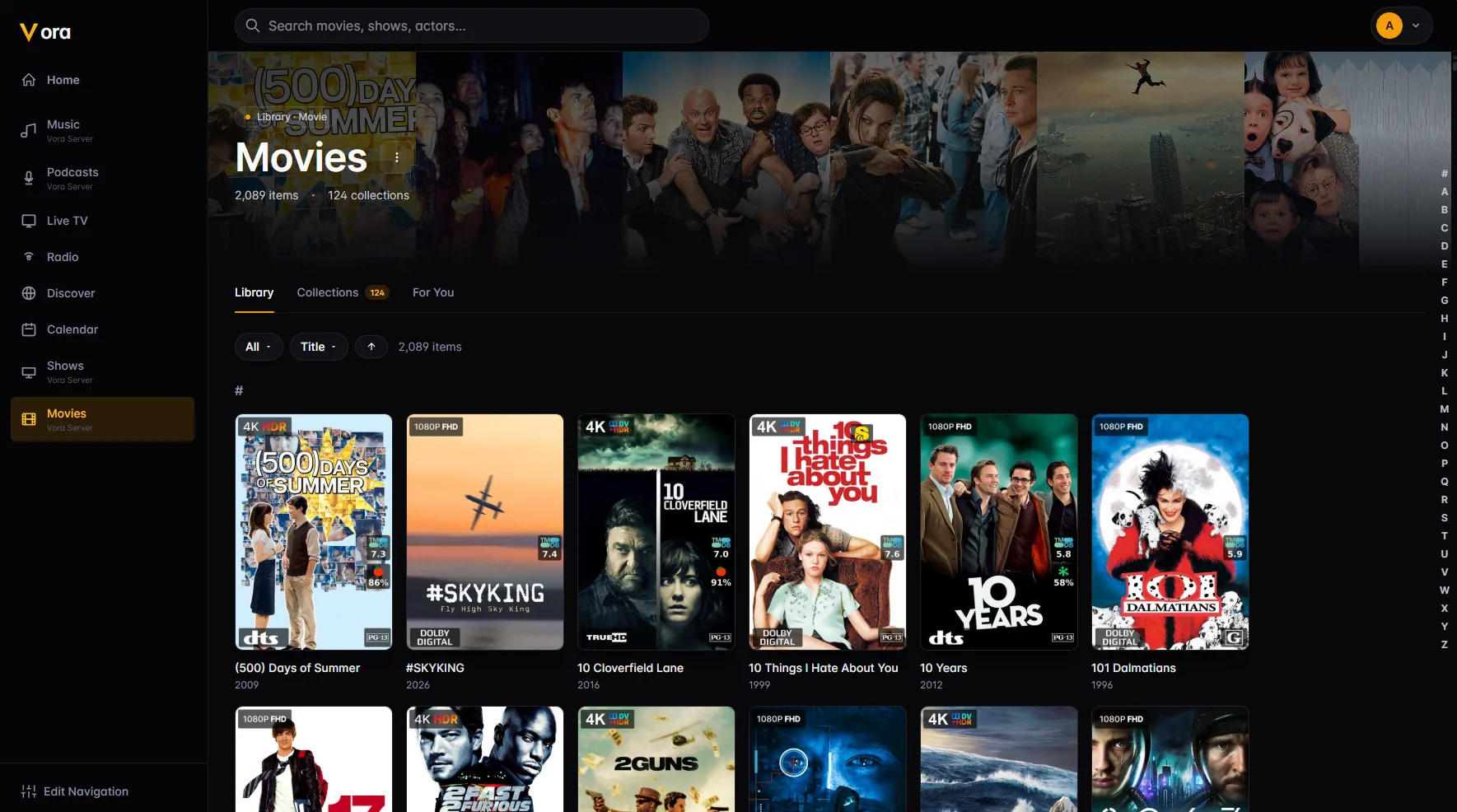
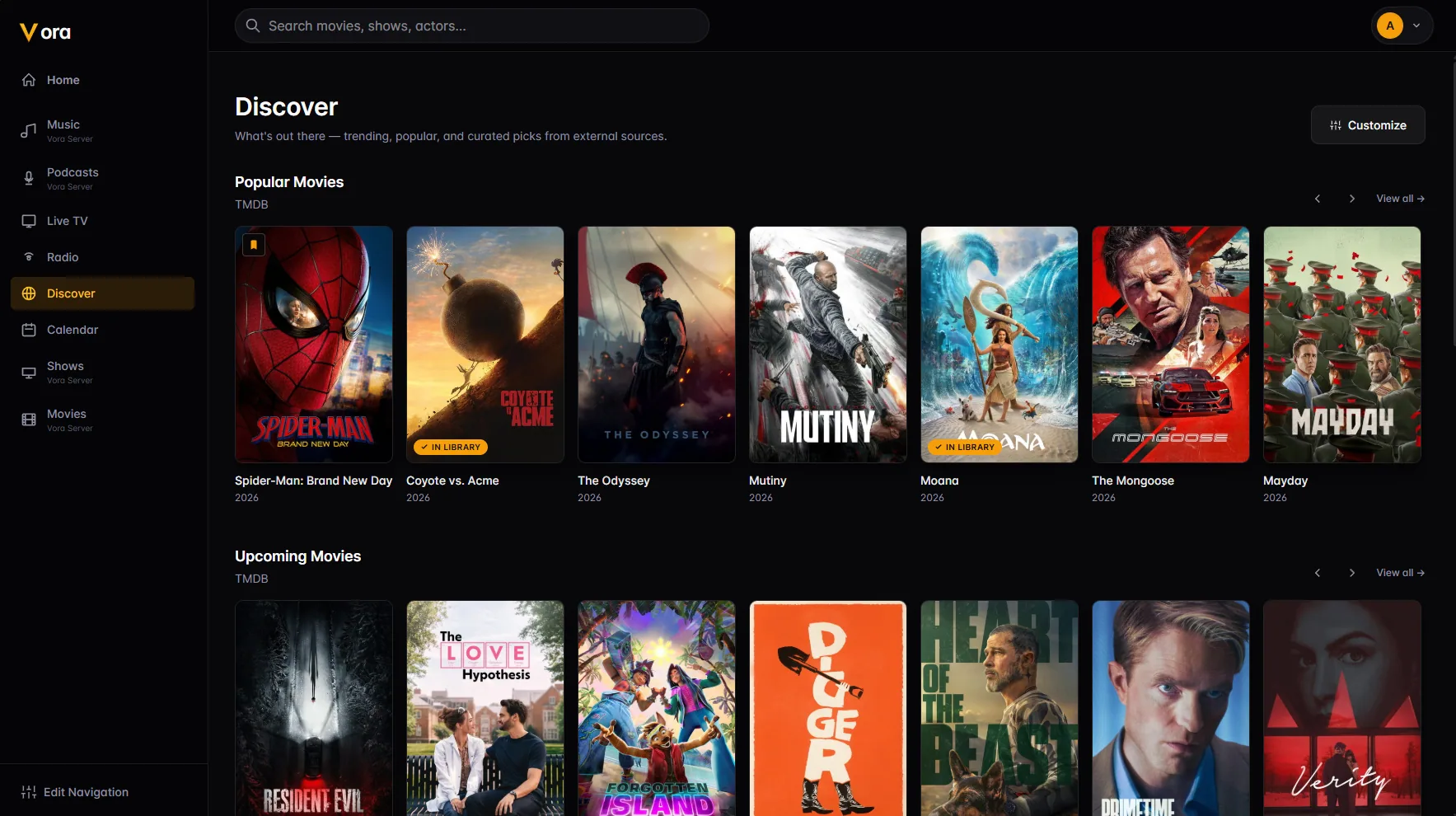
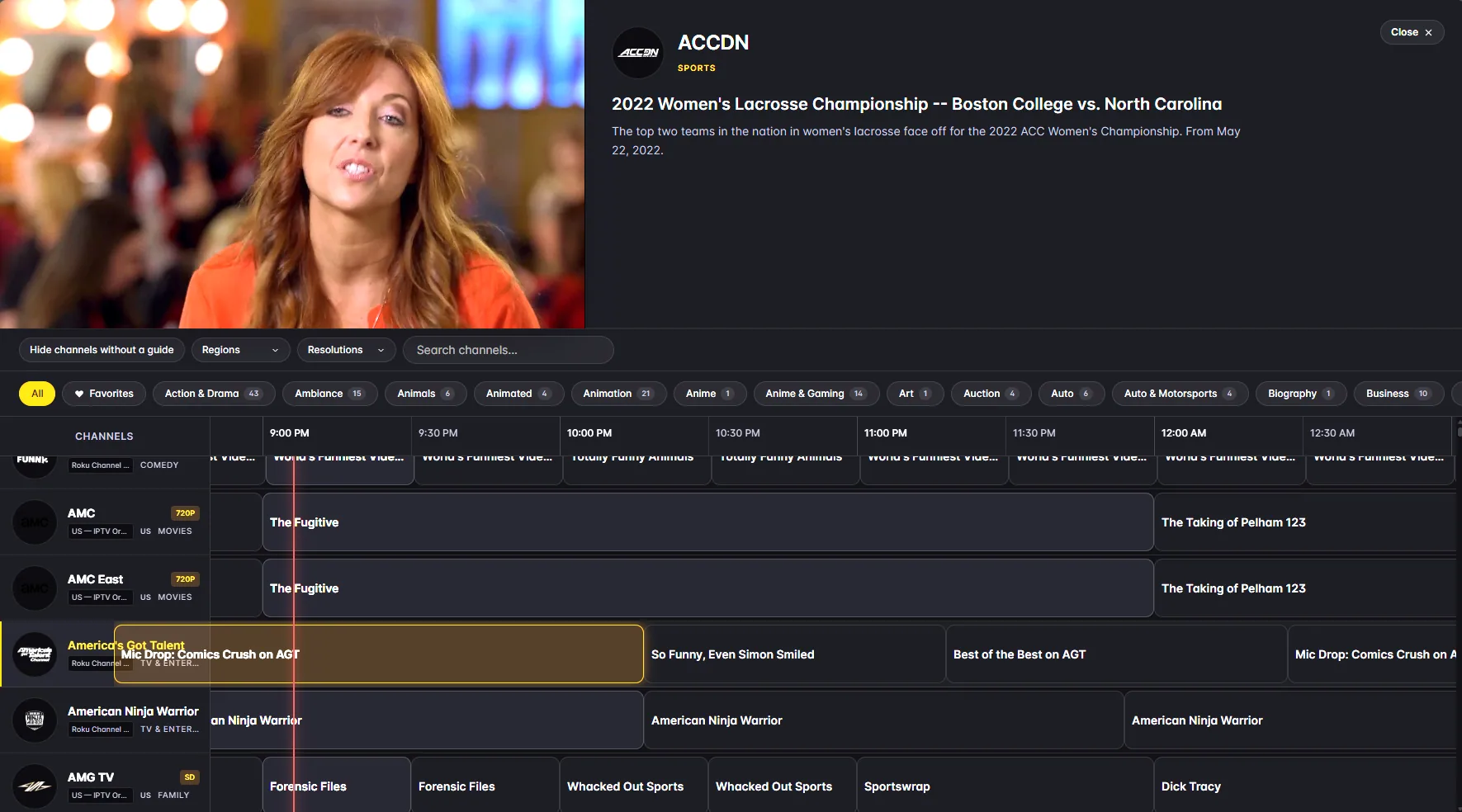
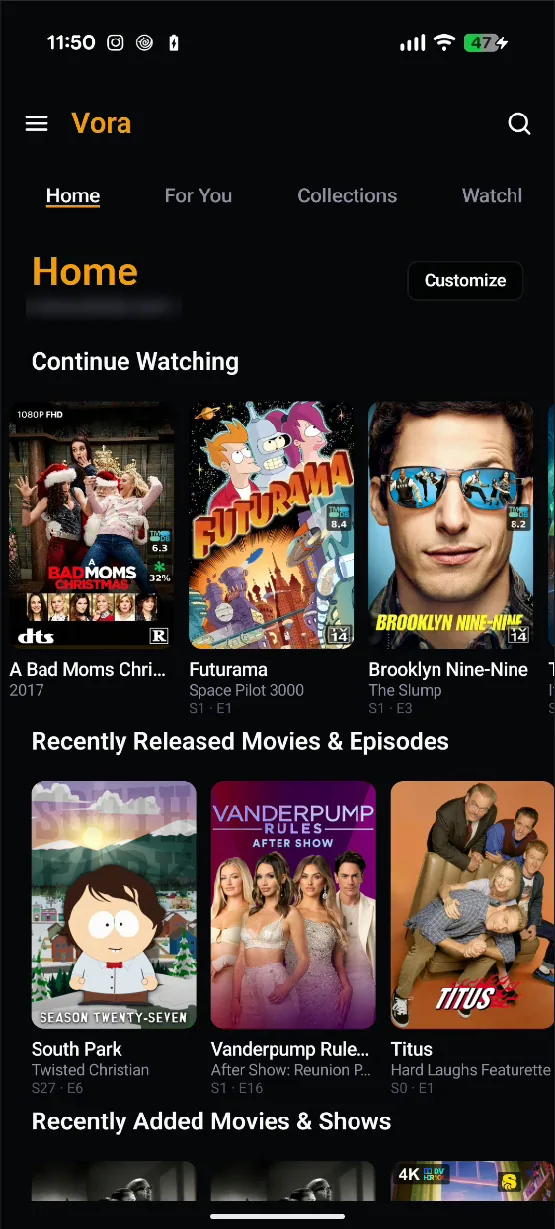
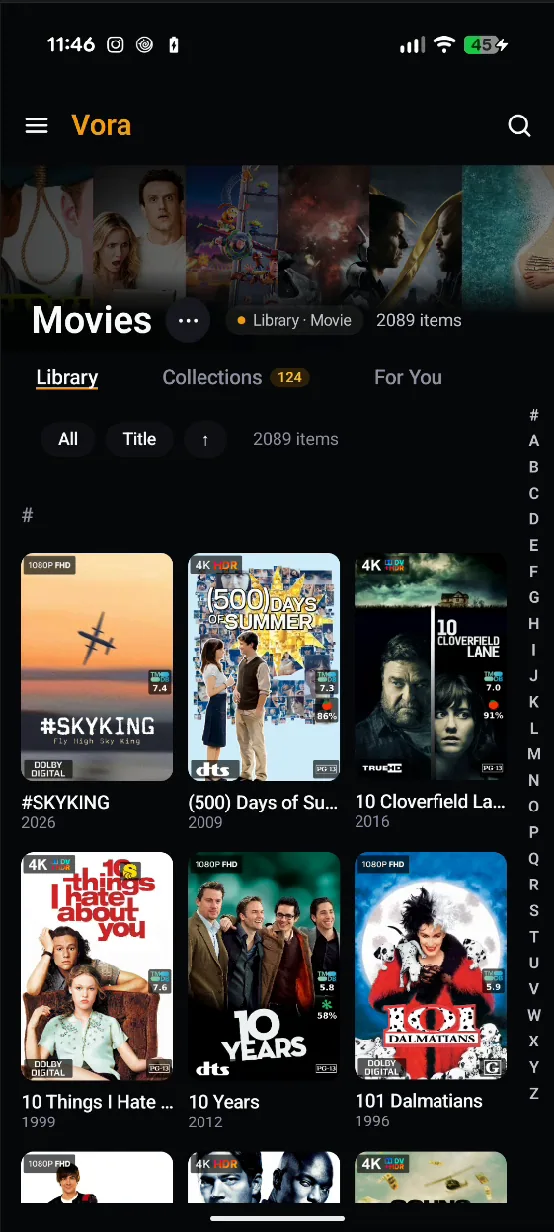
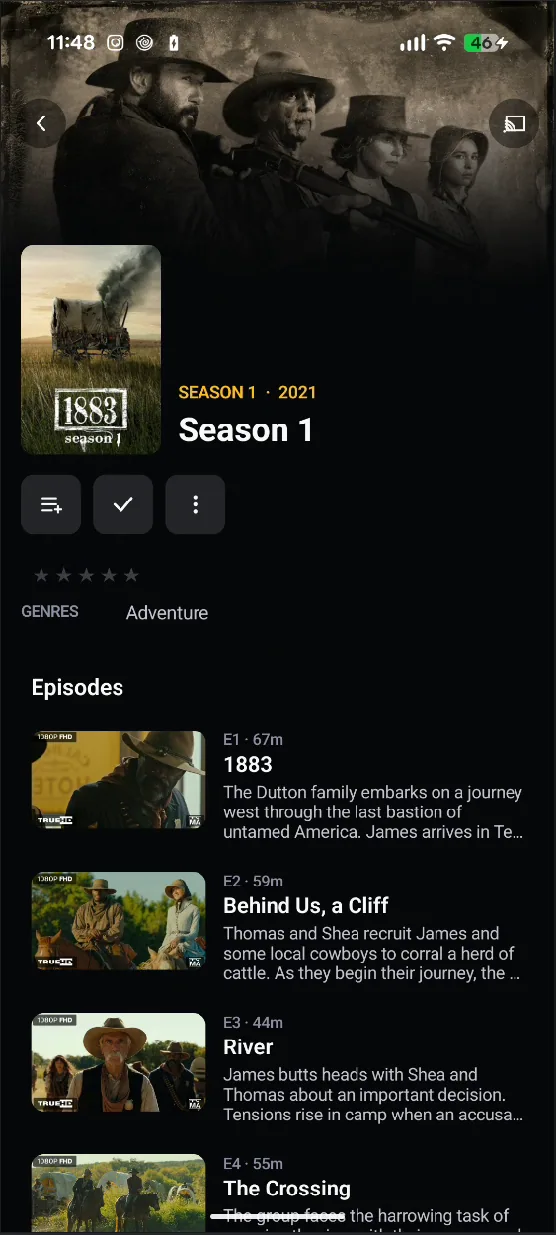
Kotlin and Jetpack Compose throughout. Video plays through ExoPlayer with picture-in-picture and Google Cast; audio keeps going in the background with proper lock-screen controls, a sleep timer and an equalizer. Sign in once per server — several servers are fine — and the profile picker remembers who you were.
The Android app is heading to Google Play soon.
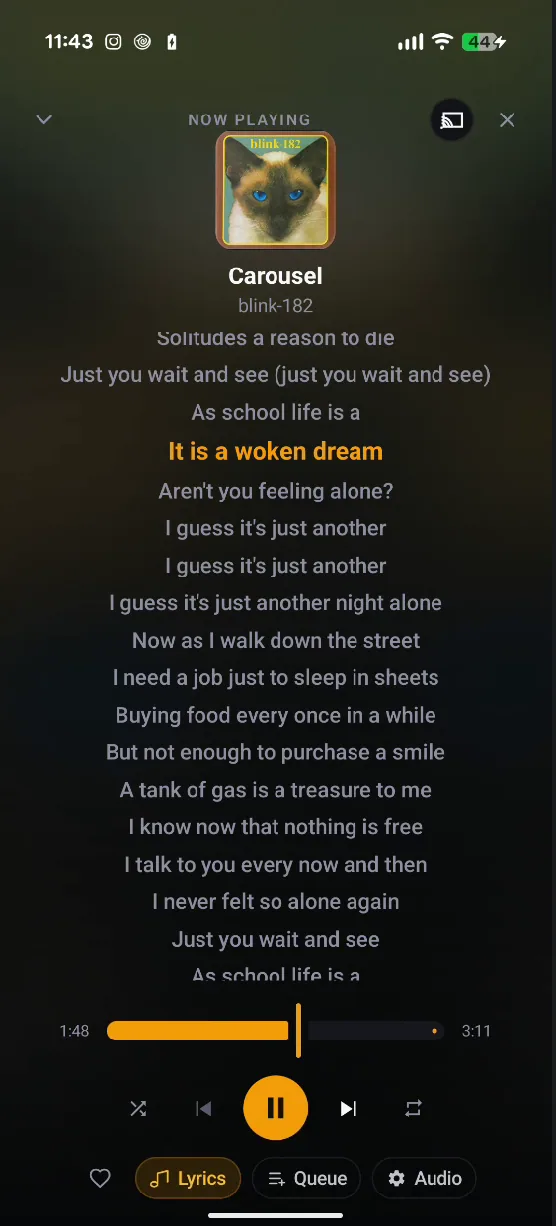
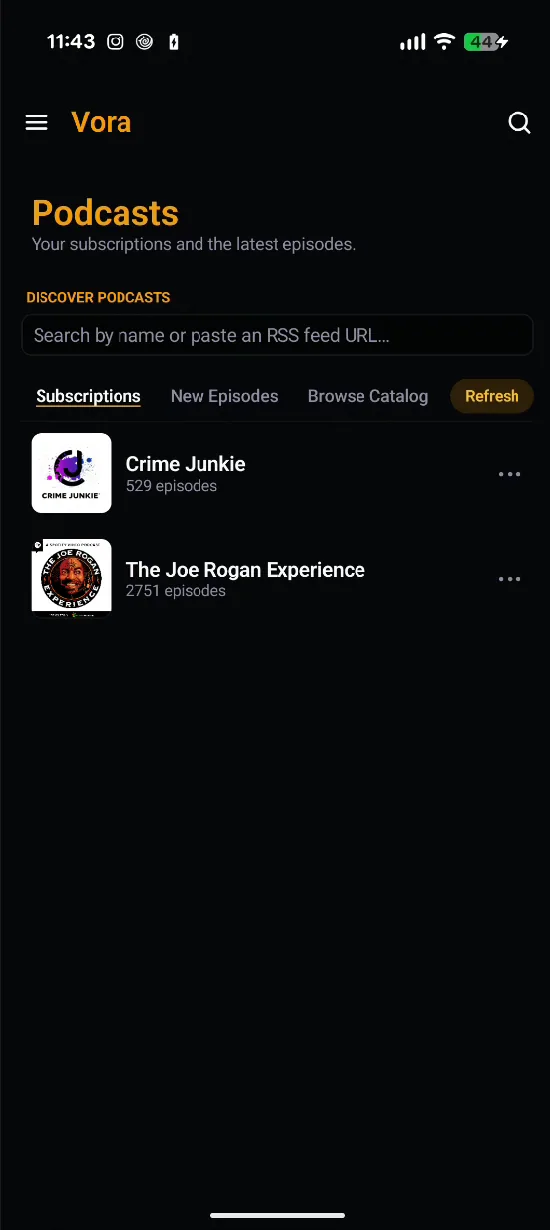
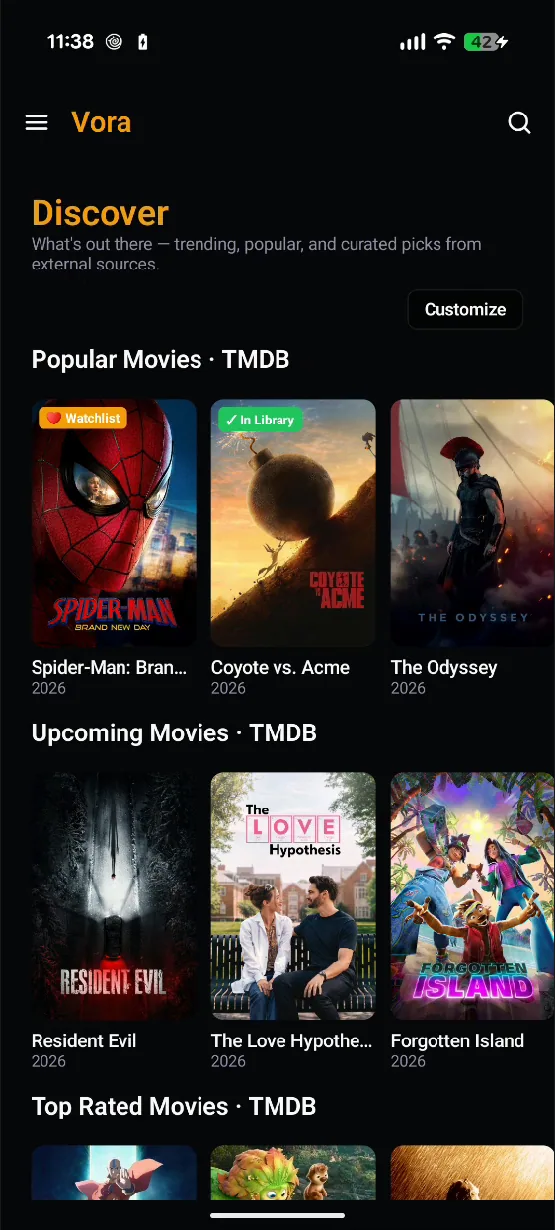
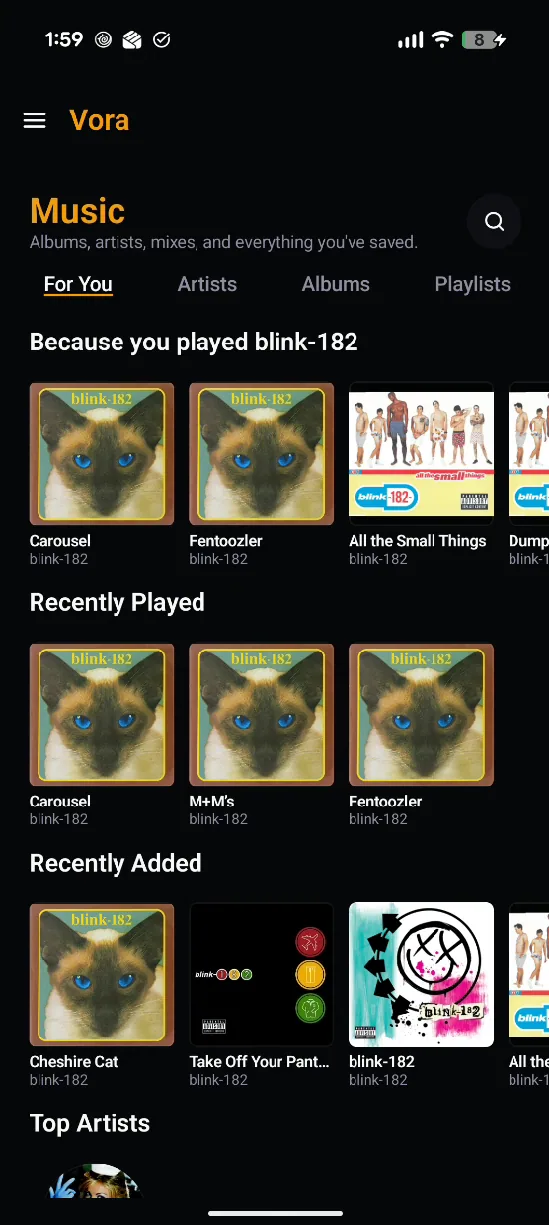
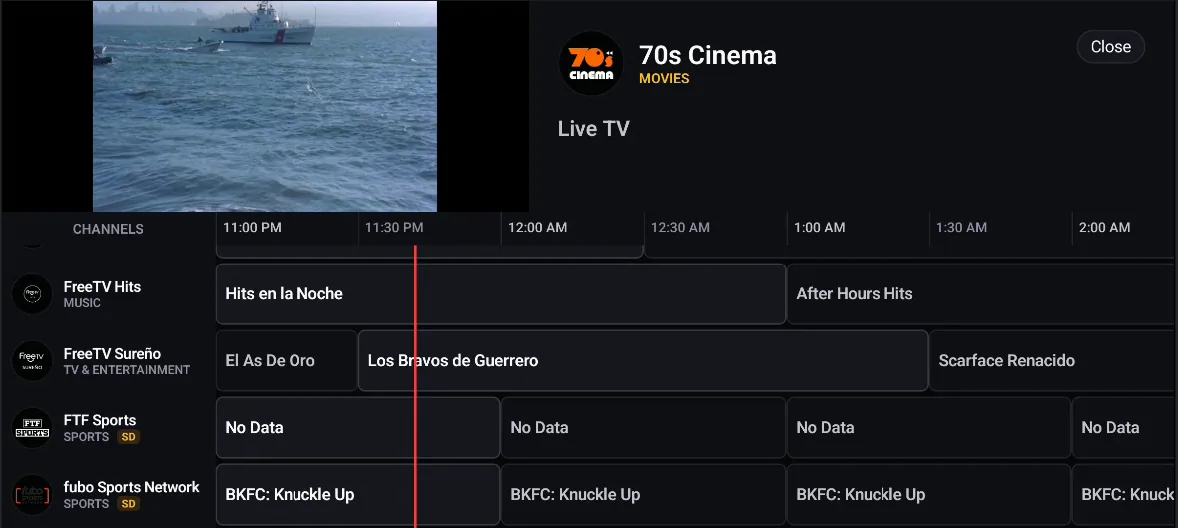
Vora notices it is on a television and rebuilds its shell around the remote: an icon rail instead of a drawer, a focus ring on everything, and a hero that fills in the details of whatever the D-pad is currently sitting on. The live guide becomes a grid you can actually steer, and the player controls are built for a remote rather than adapted from touch.
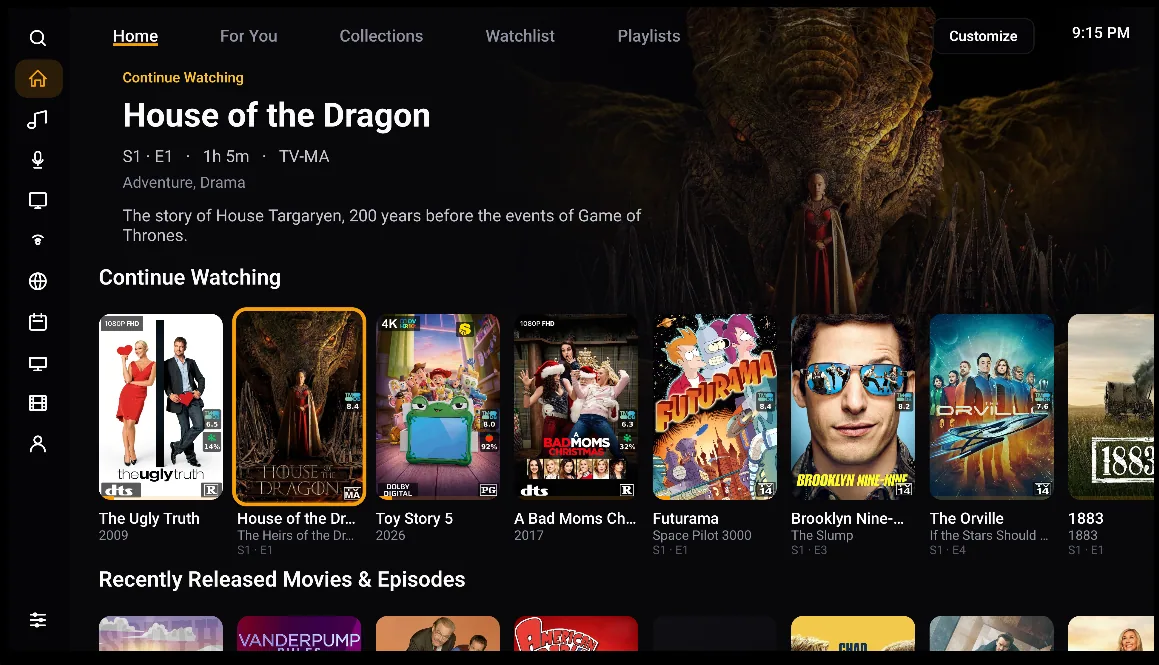
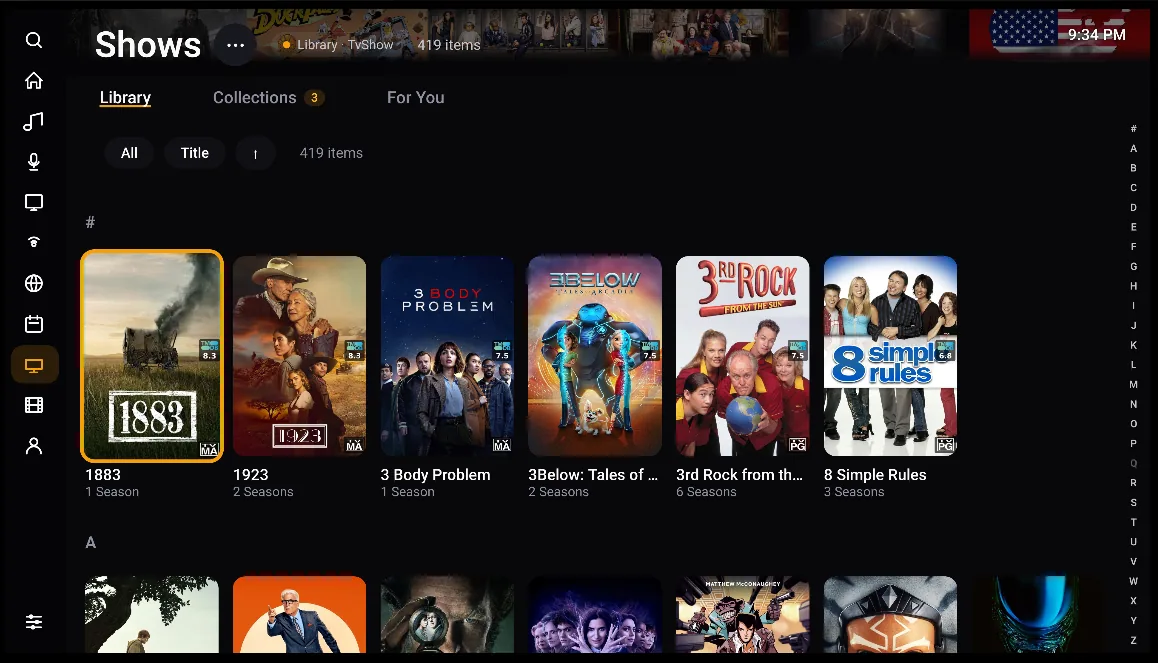
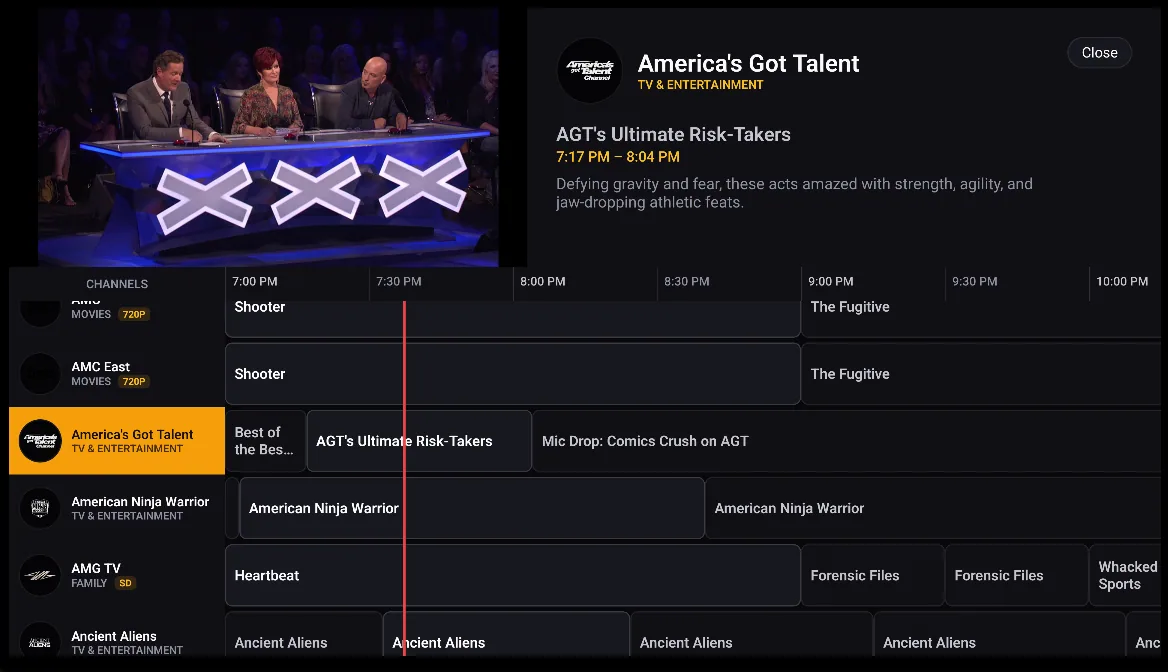
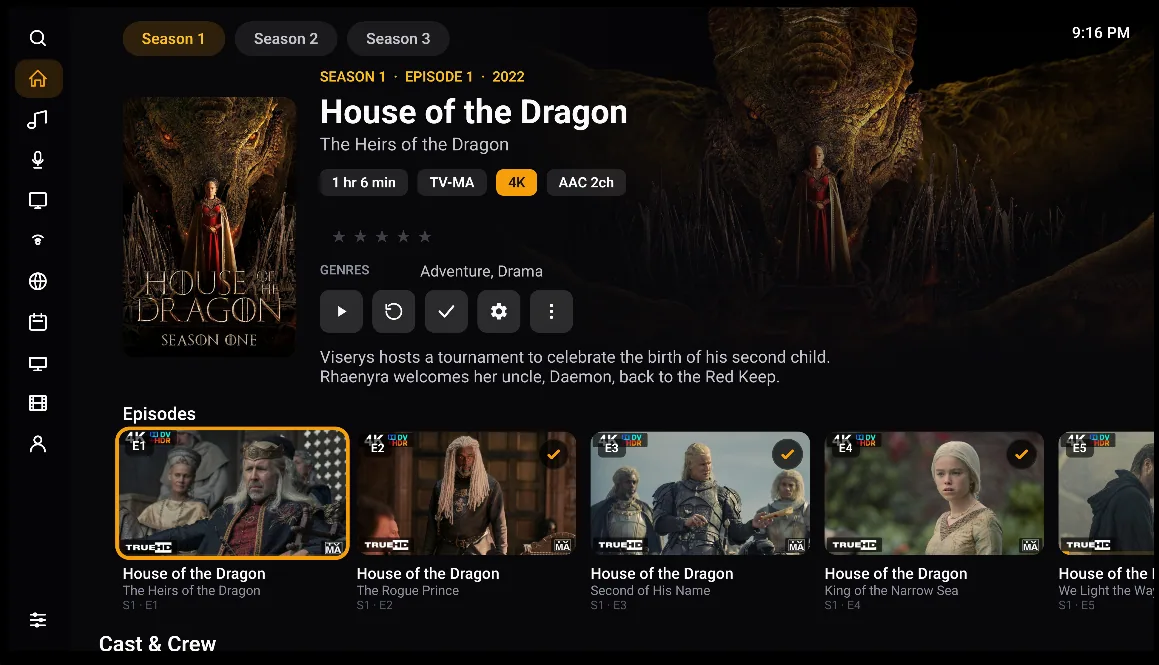
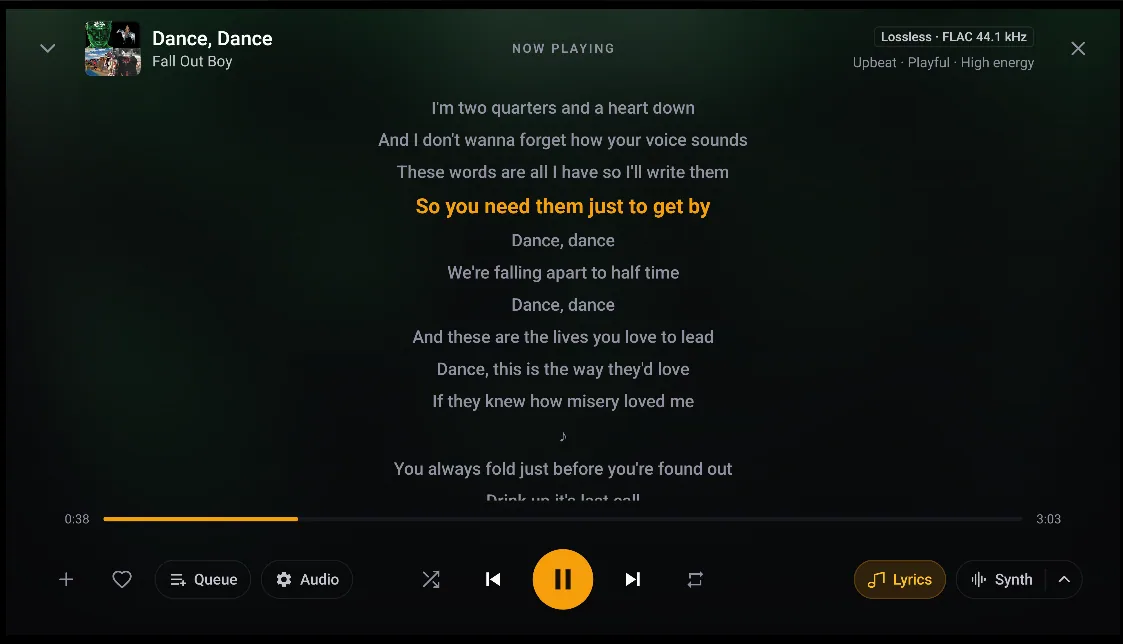
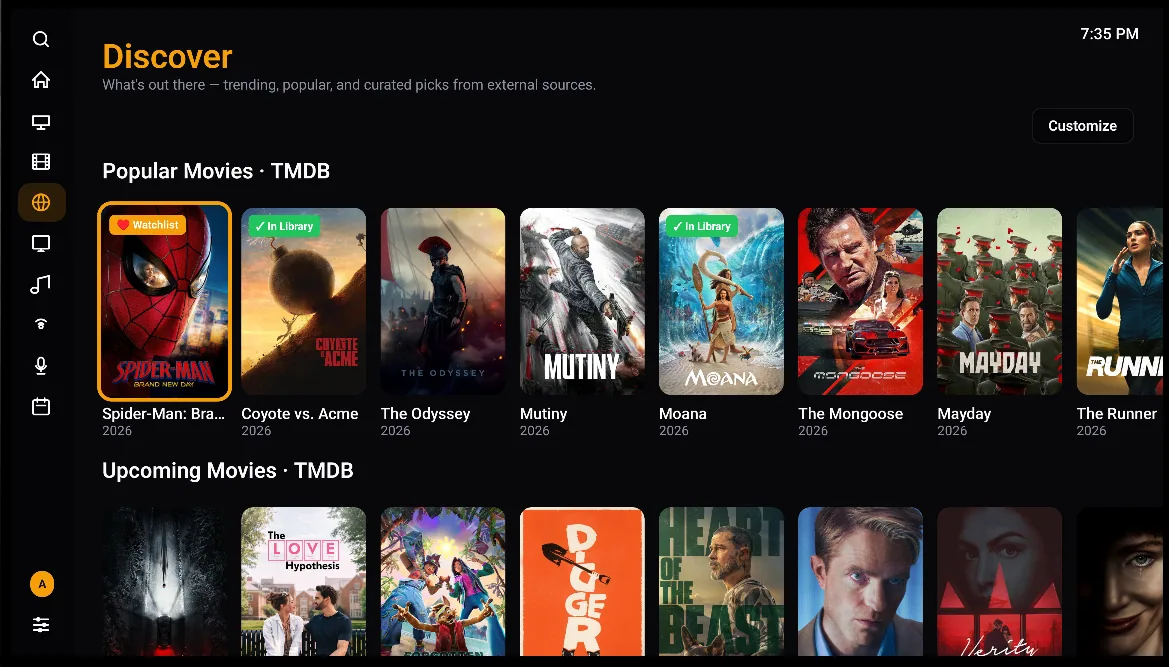
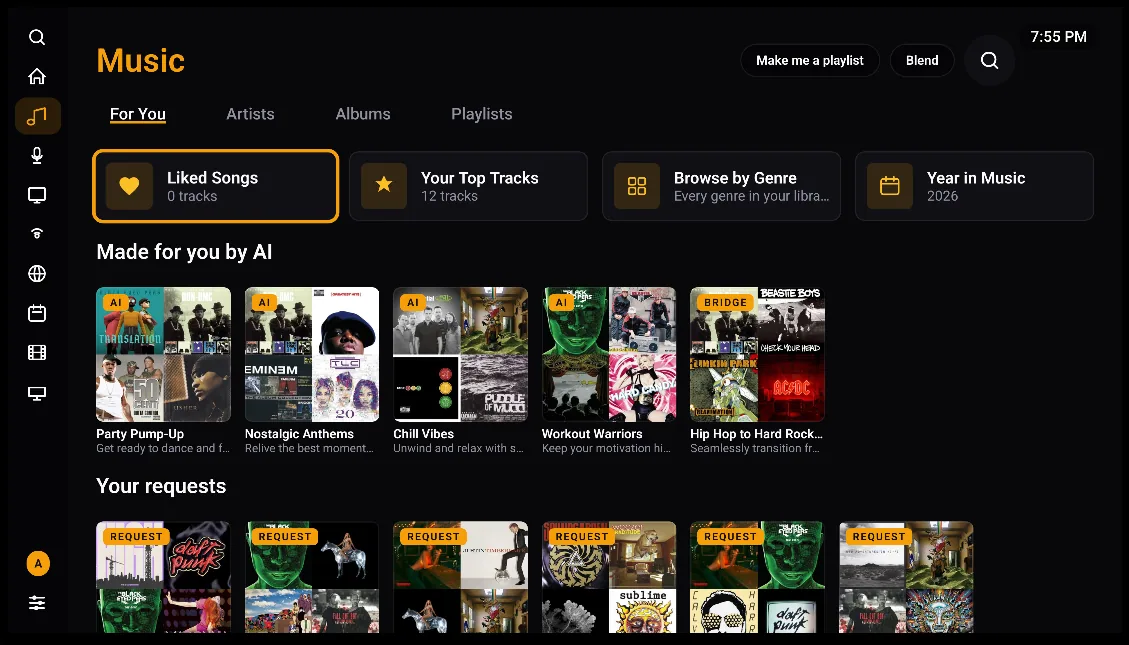
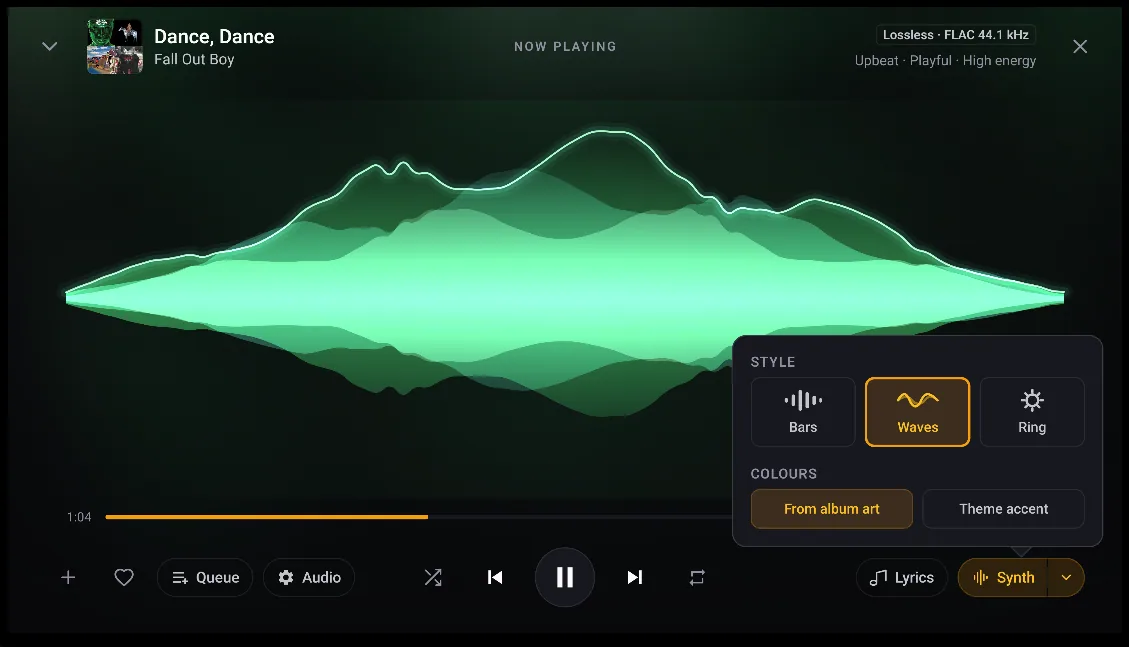
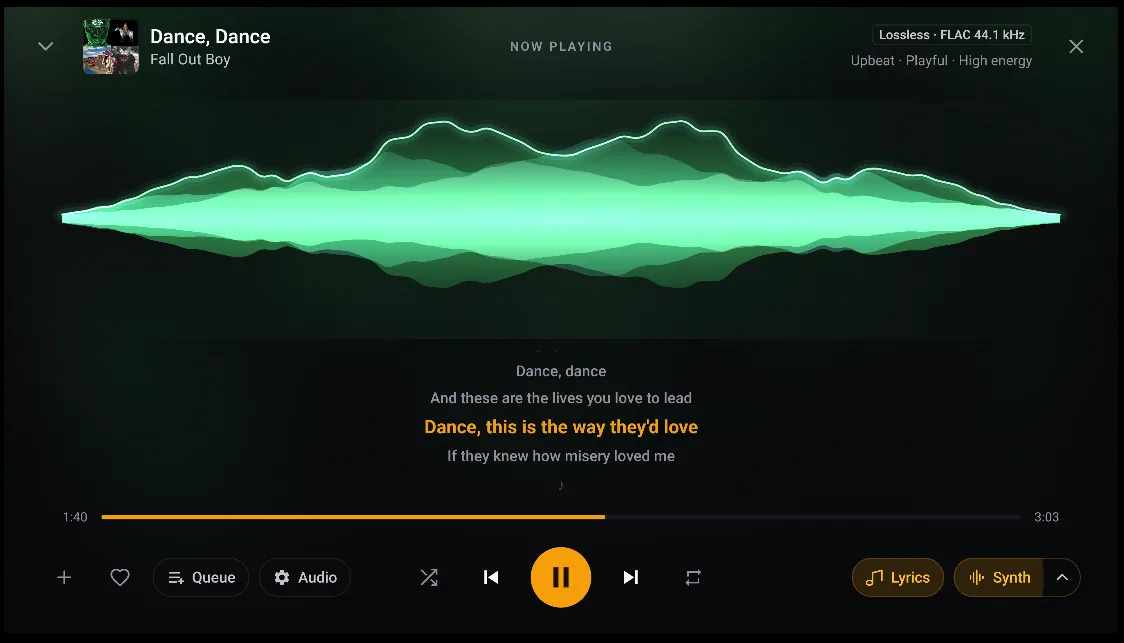
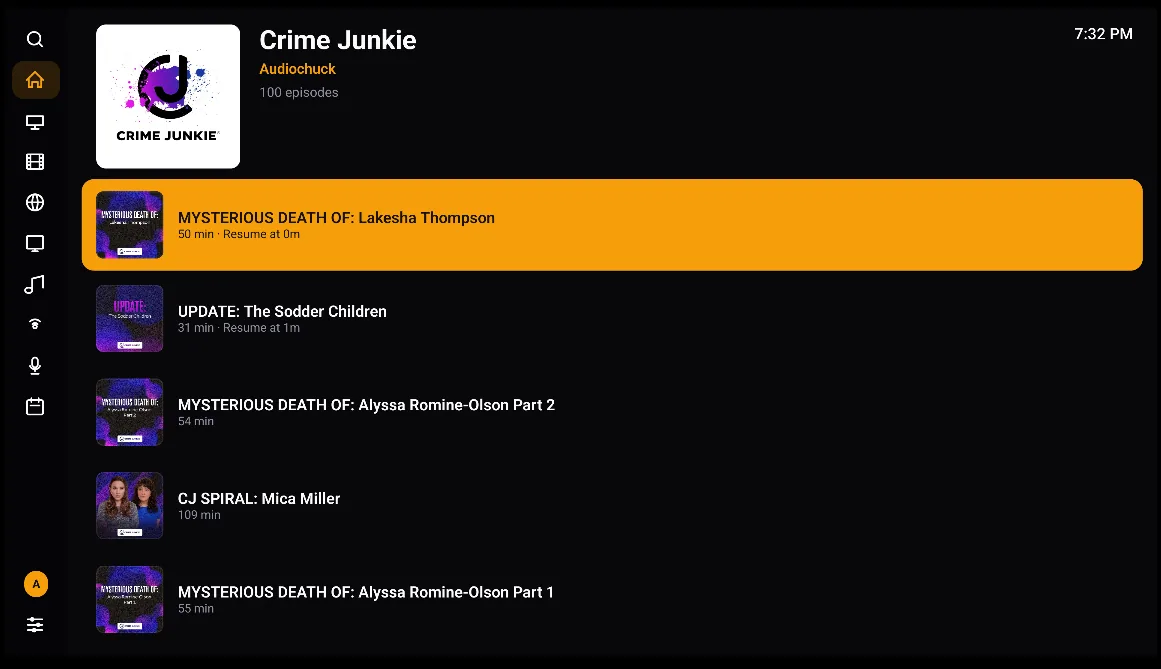
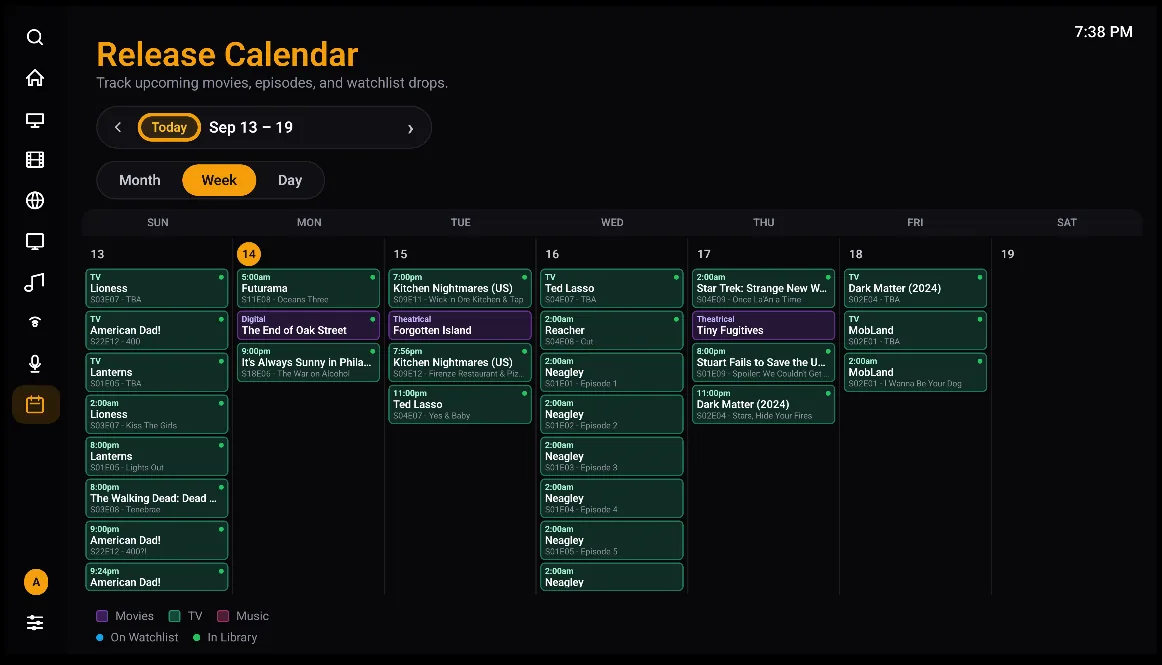
The car gets a real browse tree rather than a mirrored phone screen: Music as Recently Played, Top Tracks, Liked Songs, Artists and Albums; Podcasts as new episodes and subscriptions; Radio as favourites and all stations. Stations play as a queue, so previous and next skip between them, and a star button on the head unit favourites the one you are on — the same star you would tap on the phone.
Video is deliberately left out. Plays from the car still count, so Recently Played and Top Tracks stay honest.
One caveat worth knowing before you go looking: Android Auto hides media apps that were not installed from the Play Store until you enable Developer settings → “Unknown sources” in the Android Auto app. That is a phone setting, not something the app can switch on for you.
Android is the first client out of the door, and it is the one getting a Play Store release. Three more are being built behind it, each native to its platform rather than one codebase stretched across all of them — that is the only way a remote feels right on a Roku and a Siri Remote feels right on an Apple TV.
A native channel for the cheapest box in most living rooms. Beta when it is genuinely usable on a remote, not before.
Built in Swift and SwiftUI so it behaves like a tvOS app — the focus engine, the gestures and the Siri Remote all doing what people already expect.
The other half of the cheap-streaming-stick world, with its own remote conventions to respect.
All three will arrive as betas first. The server side already speaks to them — clients talk to one shared API and pull their look from the same design tokens the web and Android clients use — so a new platform is a new front end, not a second Vora.
One container, one database, your media mounted read-only.