
Hardware acceleration
NVENC and NVDEC with CUDA tone mapping, separate concurrency limits for GPU, CPU and background transcodes, and a choice of tone-mapping algorithm.
Vora is one Docker container holding a .NET API, the built web client, FFmpeg and Comskip. It scans your files, enriches them from whichever providers you enable, analyzes them for chapter markers, transcodes on demand, and records live television — then gets out of the way.
Vora follows semantic versioning: breaking changes only arrive in a major release, and the schema migrates itself on every upgrade. Backups are built in — take one before you update.
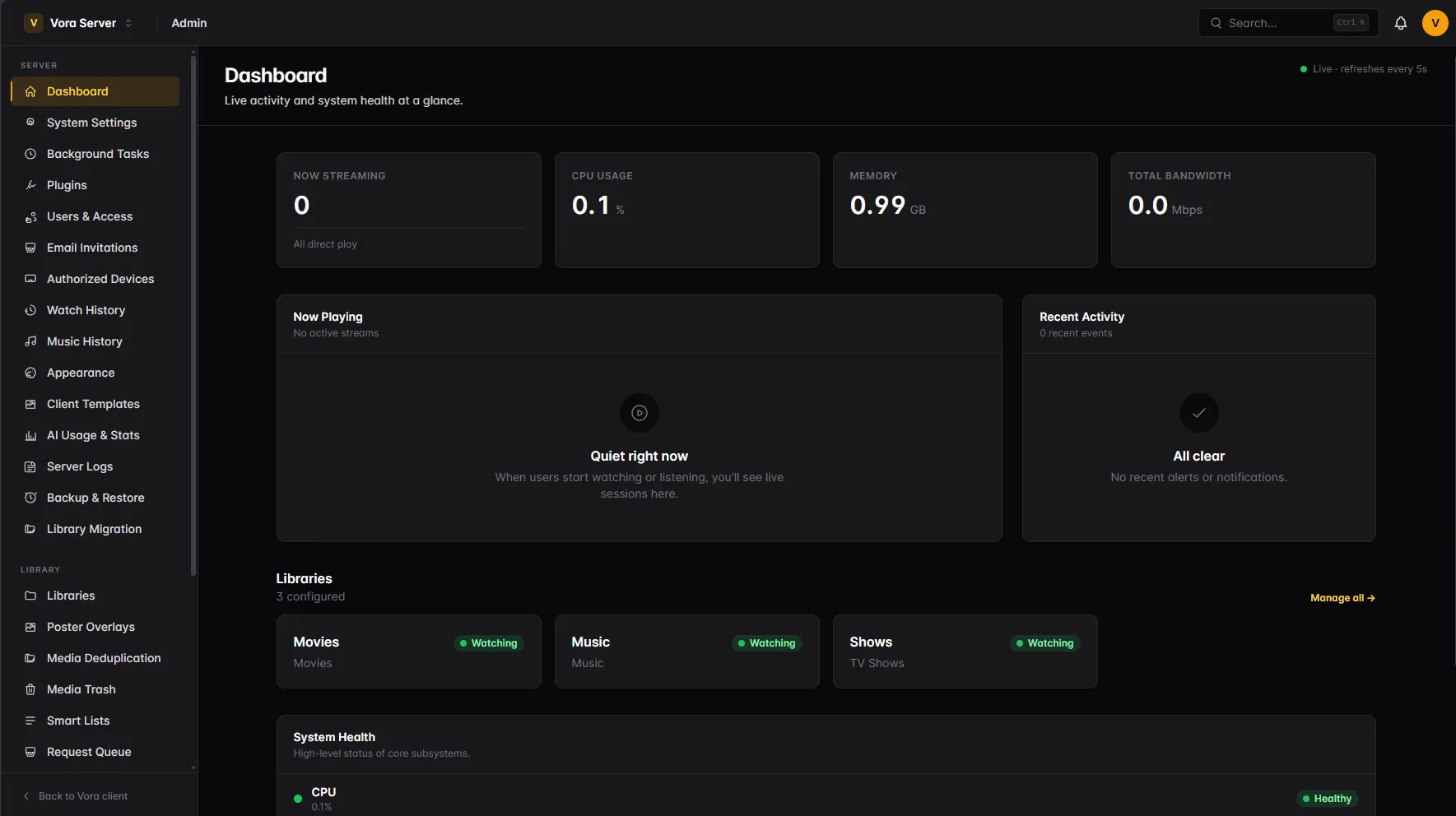
Libraries scan in parallel, unit by unit, with live per-item progress. A watcher picks up new files as they appear, exclude filters keep samples and extras out, and multiple files for one title become selectable editions rather than duplicate entries. Anything you correct by hand can be locked so the next refresh leaves it alone.
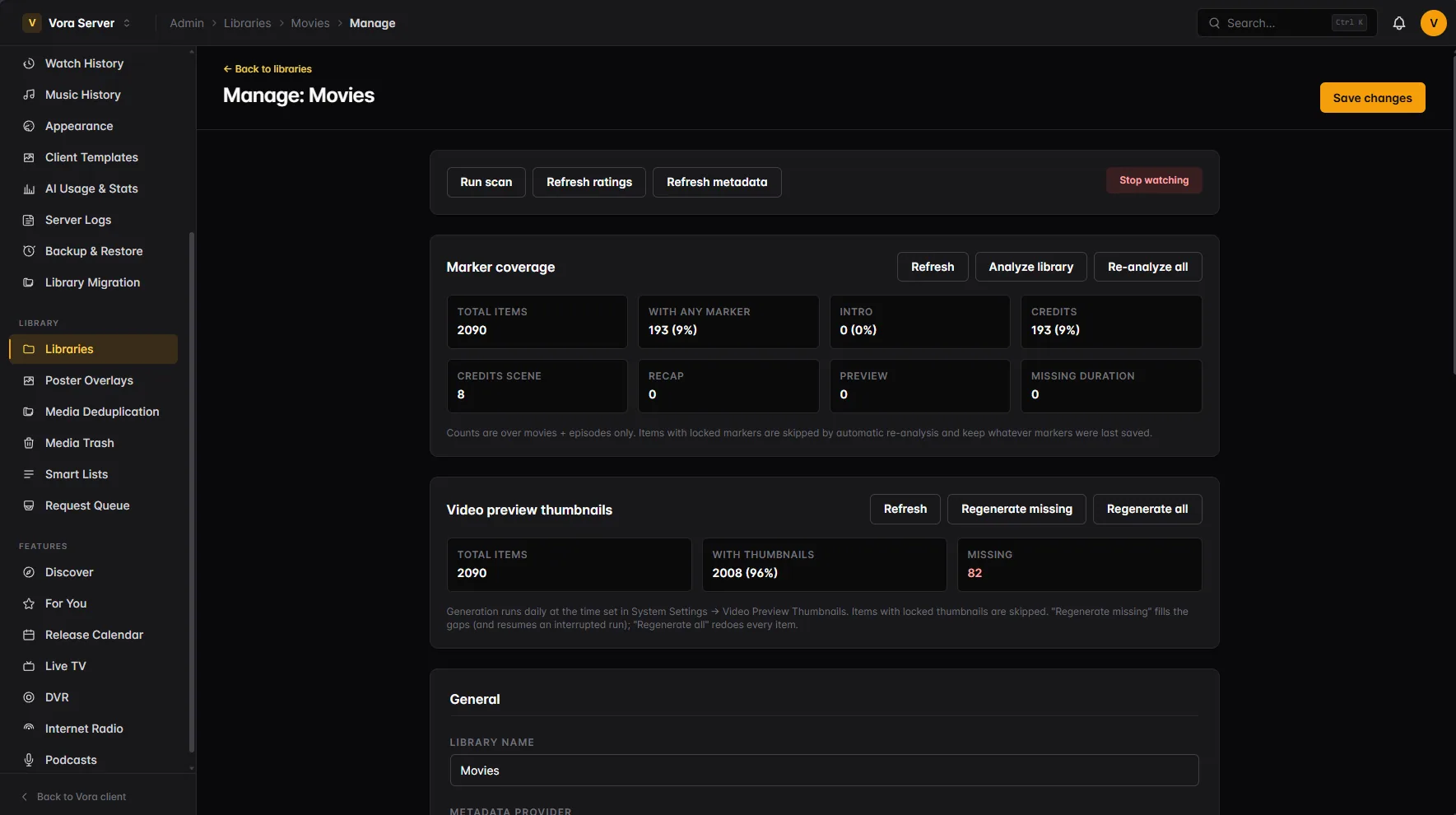
Every external integration is a plugin with its own settings page. API keys can be seeded from environment variables at startup, so a fresh deployment comes up already configured — and anything you later change in the UI wins from then on.
On a new server, the first sign-in opens a Setup Guide. It asks what you will host — films and shows, music, live TV, radio, podcasts — then walks through only the settings and providers that matter for those, saving as it goes. Leave it halfway and the dashboard reminds you; finish or skip it and System Settings can open it again any time.
| Category | Bundled providers |
|---|---|
| Metadata | TMDB, TVDB, OMDb / IMDb ratings, local NFO and image assets |
| Artwork | TMDB, TVDB, Fanart.tv, MediUX, TheAudioDB, MusicBrainz, MyAnimeList, local assets |
| Discovery | TMDB Discovery, MyAnimeList Discovery, iTunes podcasts |
| Lists & chronology | Trakt.tv, MDbList, IMDb public lists, AI franchise ordering |
| Music | Last.fm scrobbling, Genius and LRClib lyrics |
| Requests | Radarr and Sonarr requesters plus release calendars |
| Subtitles | OpenSubtitles search with API-key or account authentication |
| Extras | SerpApi showtimes, OpenAI smart recommendations, native poster overlays |
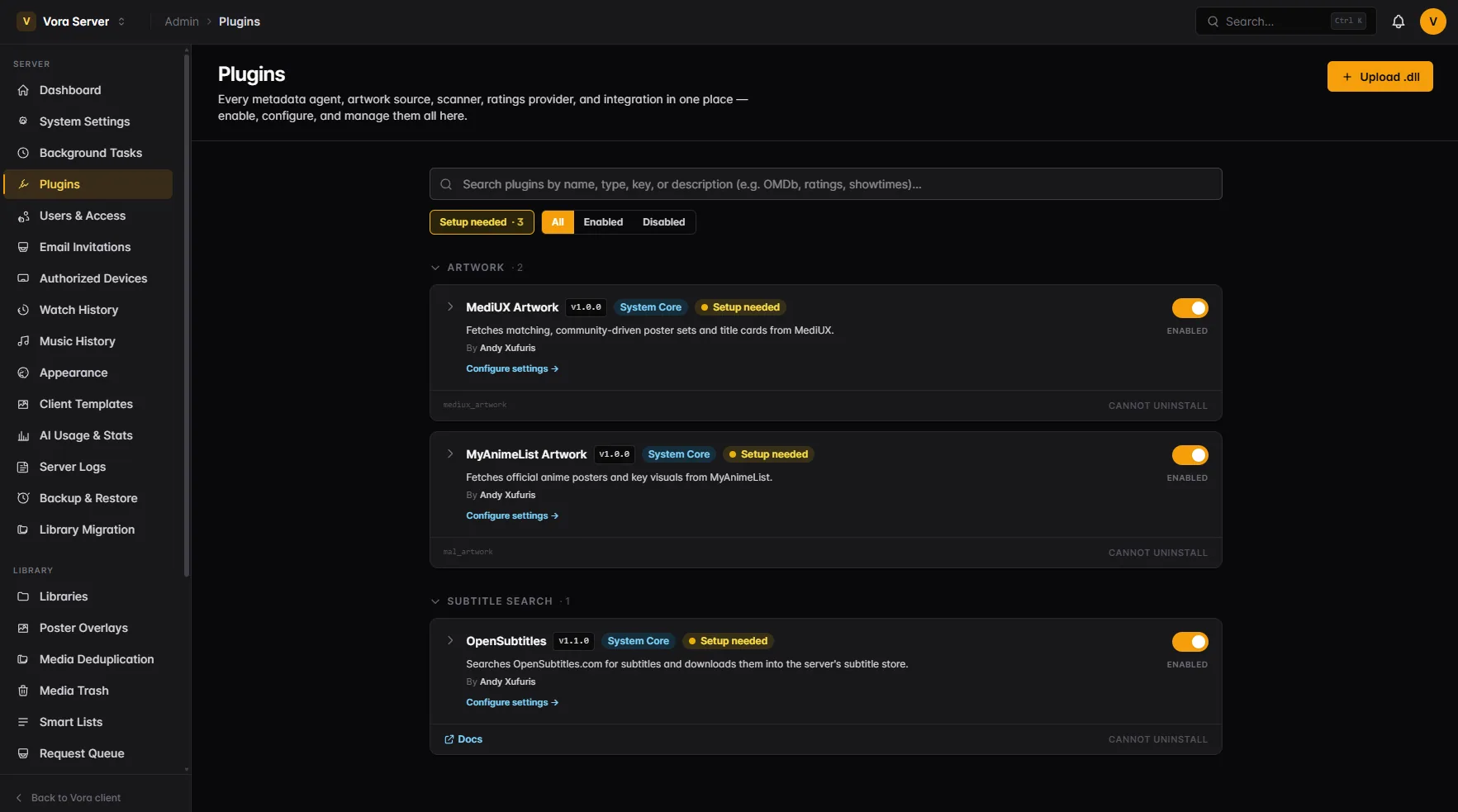
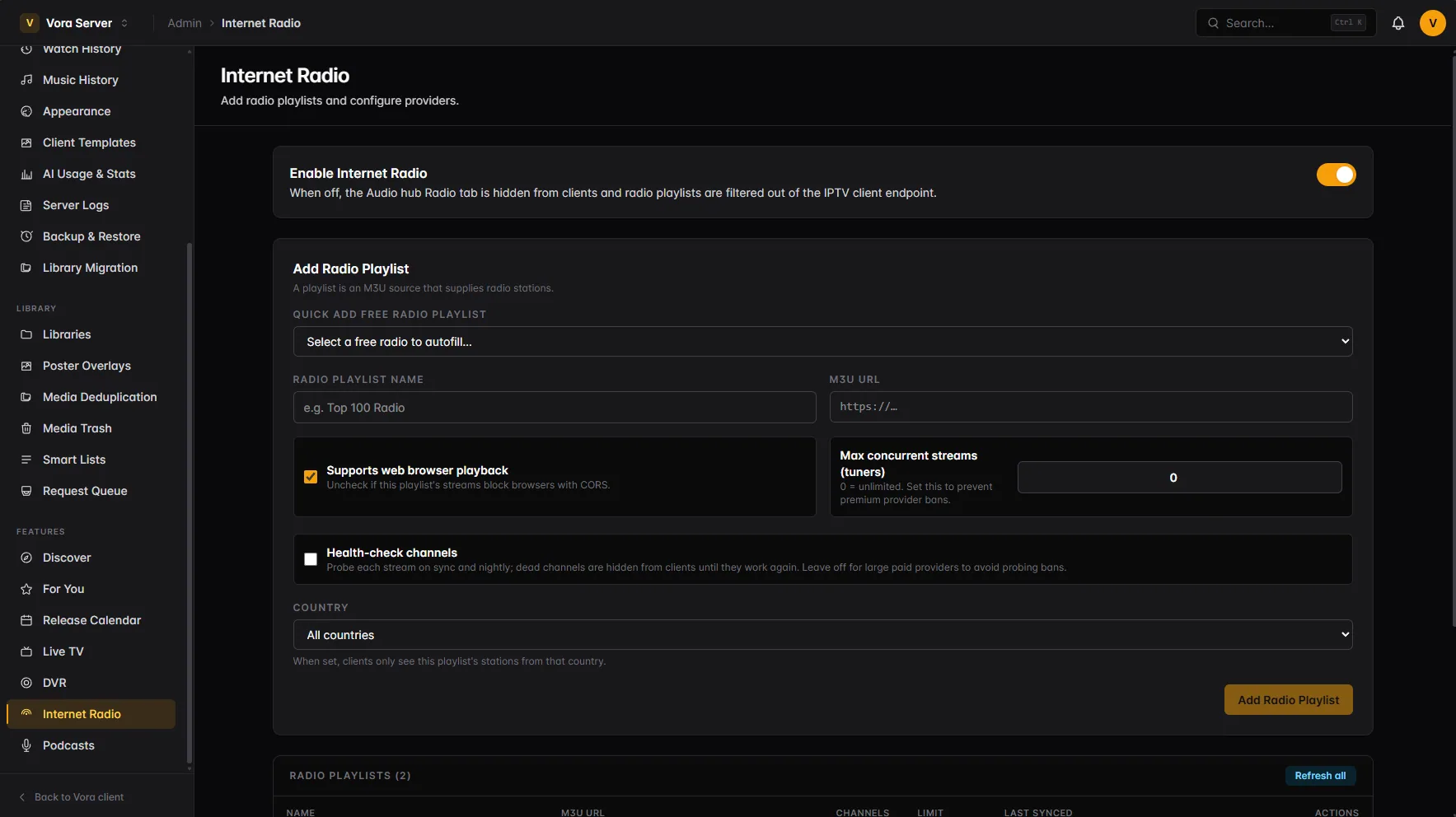
IPTV playlists and EPG sources are configured independently, so one guide can cover several providers and one provider can feed several playlists. Internet radio is set up the same way.
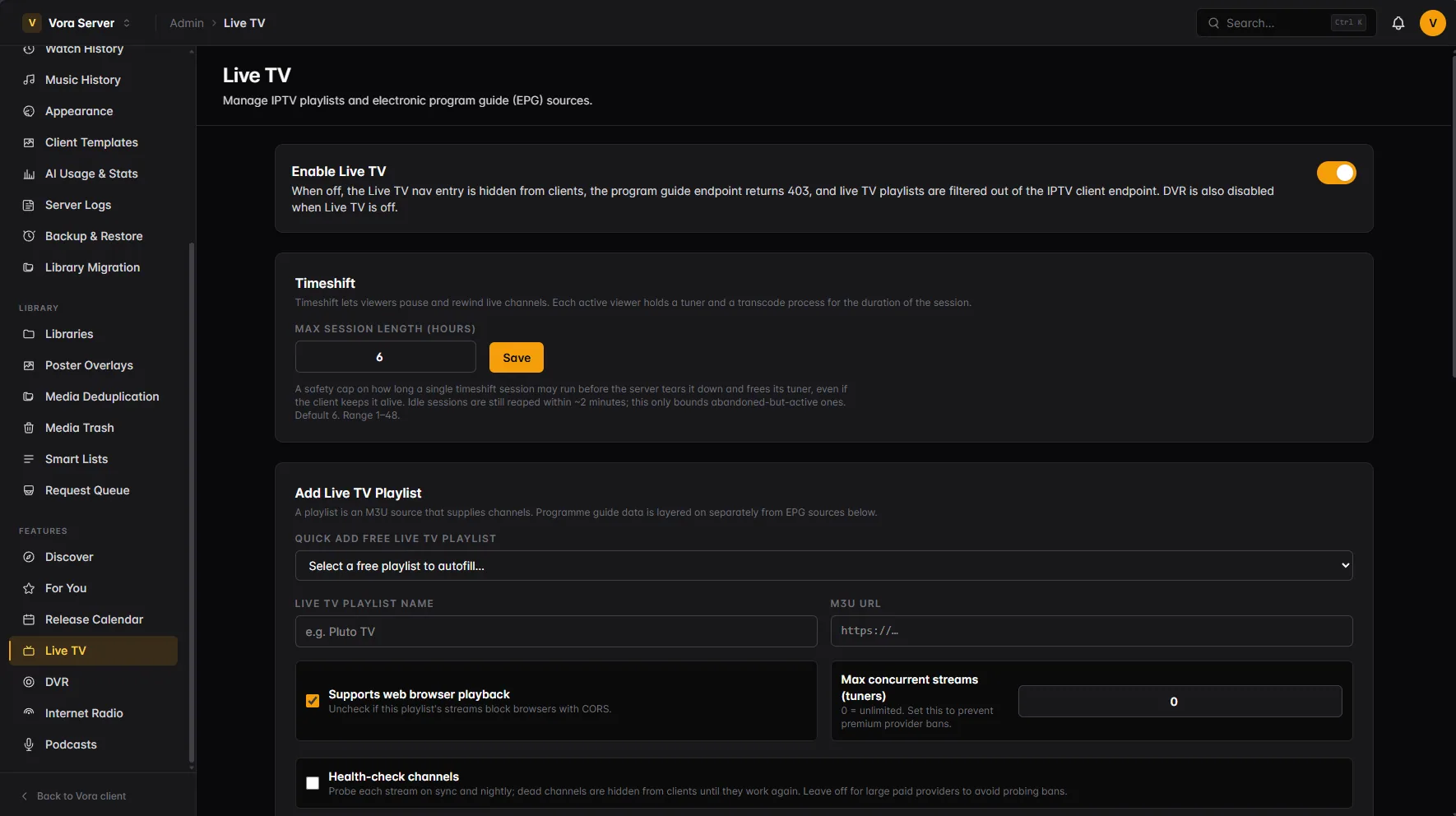
Connect Radarr and Sonarr under Request Servers — host, API key, quality profile, root folder, minimum availability — and a viewer adding something to their watchlist that you do not own becomes a request. No separate request app for your household to learn.
Per user you decide whether they can request at all and whether their requests auto-approve. Everything else lands in the Request Queue, split into Pending, Processing and Available, where you can override the quality profile before sending it on. Requests for the same title merge, and when the file finally arrives and matches, the requesters get an email.
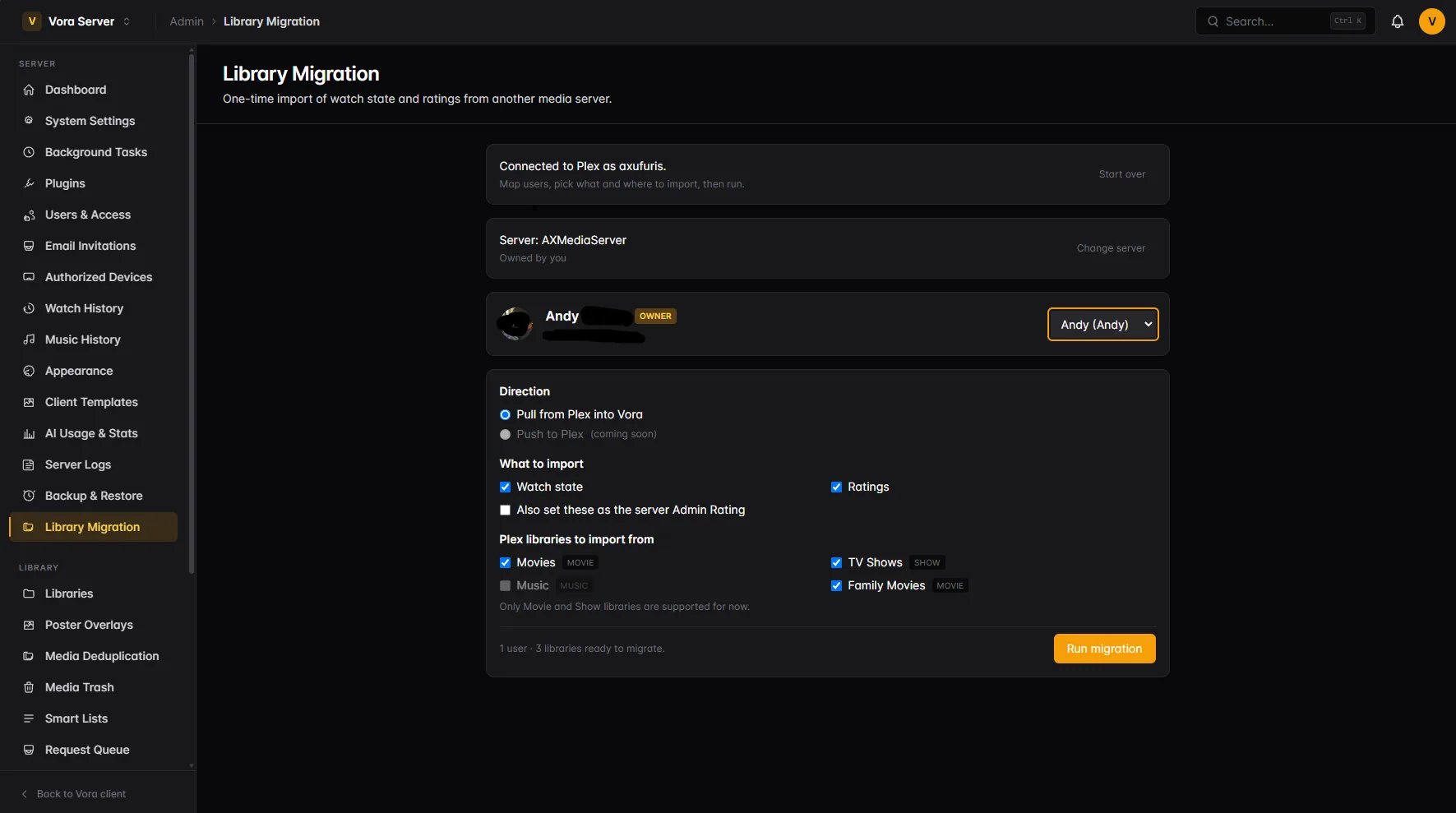
The importer reads an existing Plex install and carries across the thing that actually hurts to lose: watch state and ratings. Switching does not mean starting every show from episode one again.
It is not an admin-only migration, either. Every profile can run it themselves fromAccount settings → Connections → Import from Plex — link the Plex account with a PIN, choose which libraries to pull, and their own history comes across into their own profile. So the rest of the household can move their viewing history over without handing you their Plex password, and without waiting for you to do it for them.
Administrators keep the bulk path under Library Migration, which maps several Plex accounts onto several Vora profiles in one run. Either way it is watch state and ratings — media, playlists and collections stay where they are.
Clients report their own decoder capabilities on every play. The server scores each copy of a title against them and takes the cheapest path that will actually work.The viewer-facing version of this is on the features page.
| Transcoder behaviour priority | What it changes |
|---|---|
| Client Preference | The default. Transcodes when something genuinely needs it, with no thumb on the scale. |
| Direct Stream Preference | Weights the scoring so heavily against transcoding that any playable copy wins. Best where CPU or GPU headroom is the scarce resource. |
| Bandwidth Optimized | Trades picture for upload. Penalises high-bitrate and 4K sources and caps delivery to a bitrate ceiling per resolution. The one profile that changes the output itself. |
NVENC and NVDEC with CUDA tone mapping, separate concurrency limits for GPU, CPU and background transcodes, and a choice of tone-mapping algorithm.
Cap remote streams by bitrate and declare your upload speed; the ceiling adjusts as other remote sessions come and go. Local playback is left alone.
Watch History records the chosen strategy and every runner-up with its score and reason, filtered by Direct Play, Direct Stream or Transcode. “Why did that transcode?” has an answer.
What was actually delivered is stored separately from what the file contains, so the dashboard never reports 4K HDR to someone being served 1080p SDR.
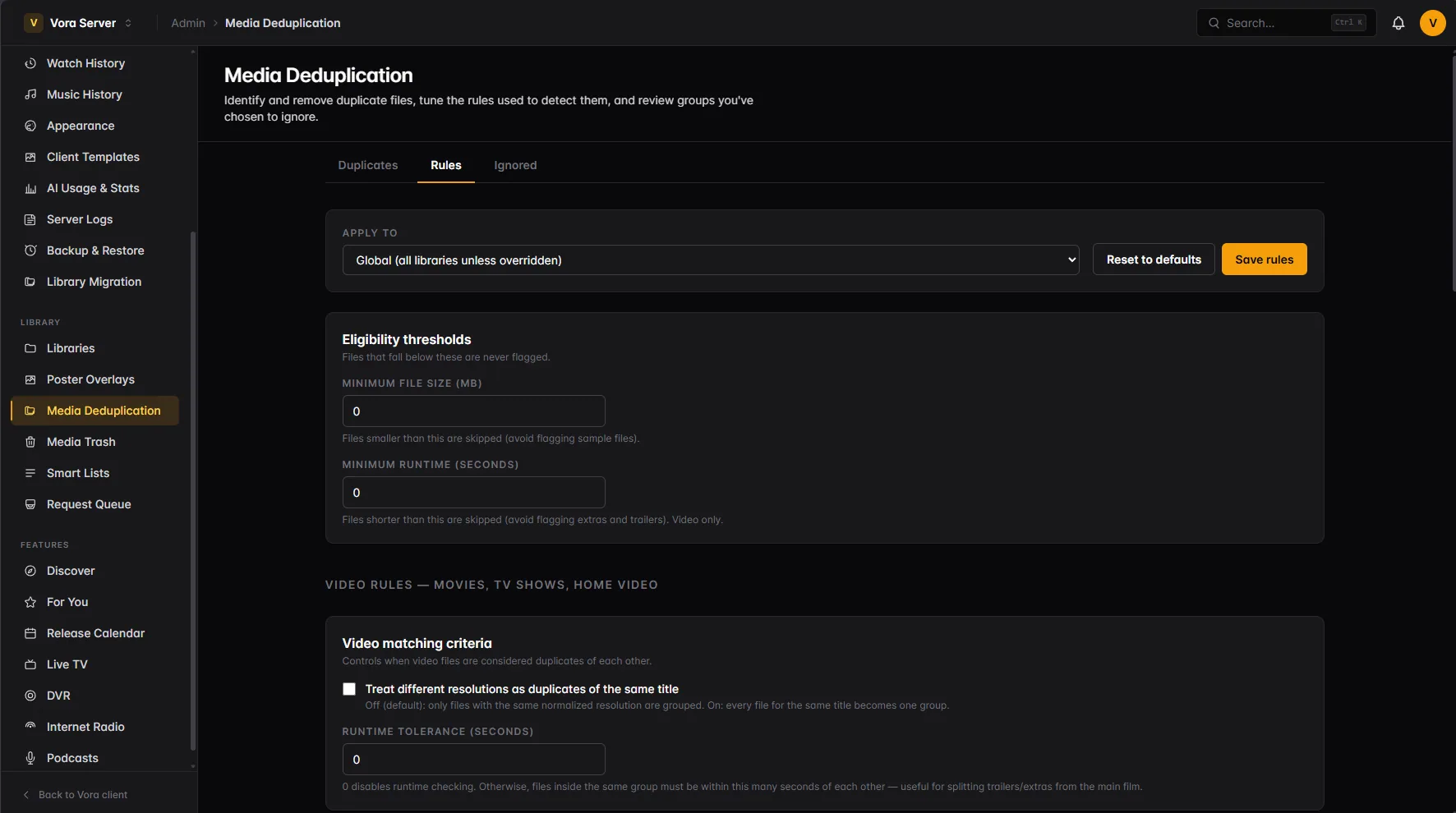
Find the same title sitting on disk three times and decide what to keep, with the quality of each copy spelled out.
A missing file is hidden rather than deleted, and per-profile ratings and watch state are preserved so a re-add restores them.
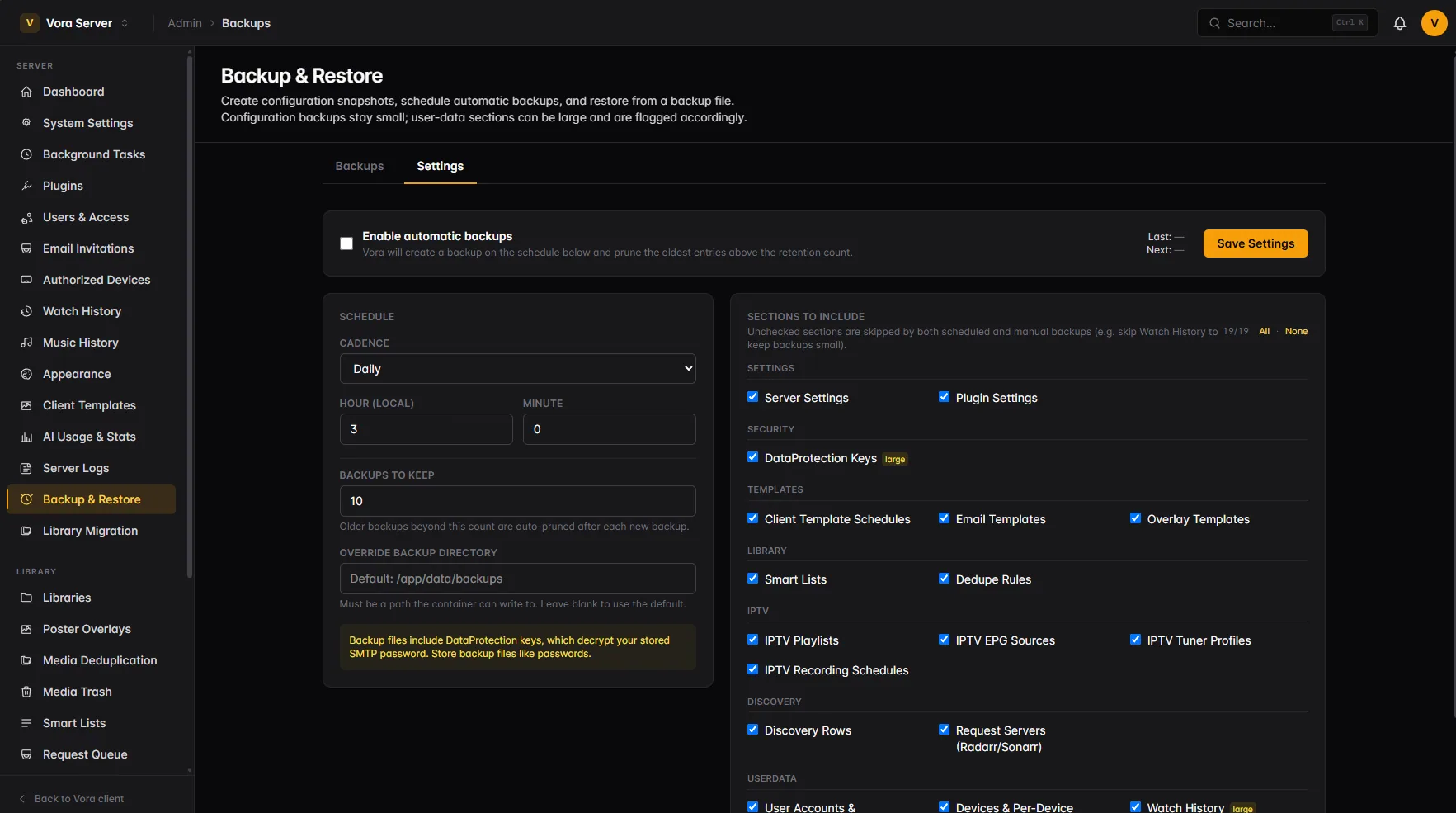
Scheduled zip backups with retention, restored atomically — a failed restore leaves nothing half-applied.
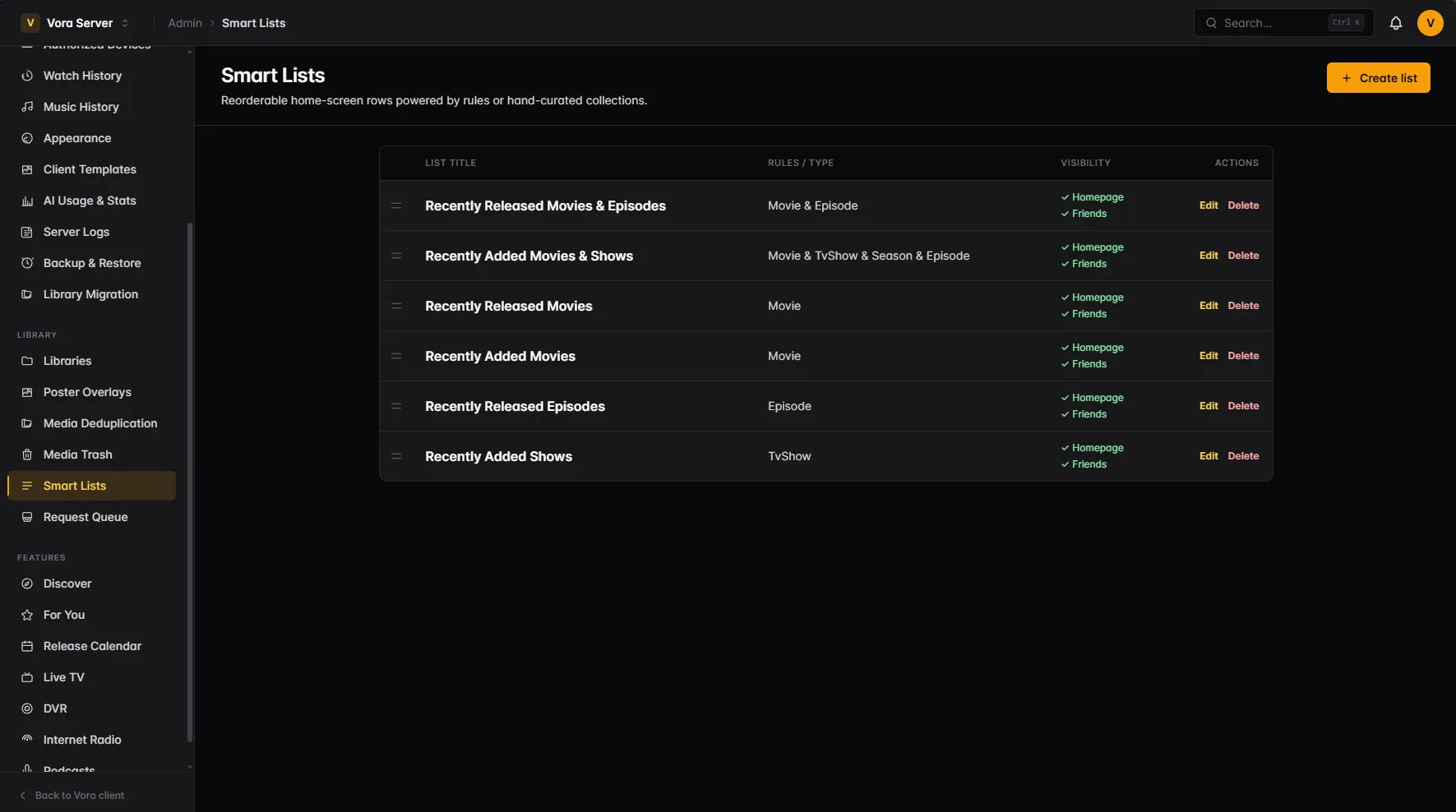
Rule-based rows that feed everyone's home screen, plus rows for each viewer's favourite channels and stations, new podcast episodes, recent albums and DVR recordings. Defaults can be switched off or deleted, and restored in one click.
Burn resolution, HDR and audio-format badges onto posters on a schedule, resolved from the best copy you have.
A live log tail with runtime level overrides, and a task queue with real progress, per-task cancellation, and work that picks up again after a restart.
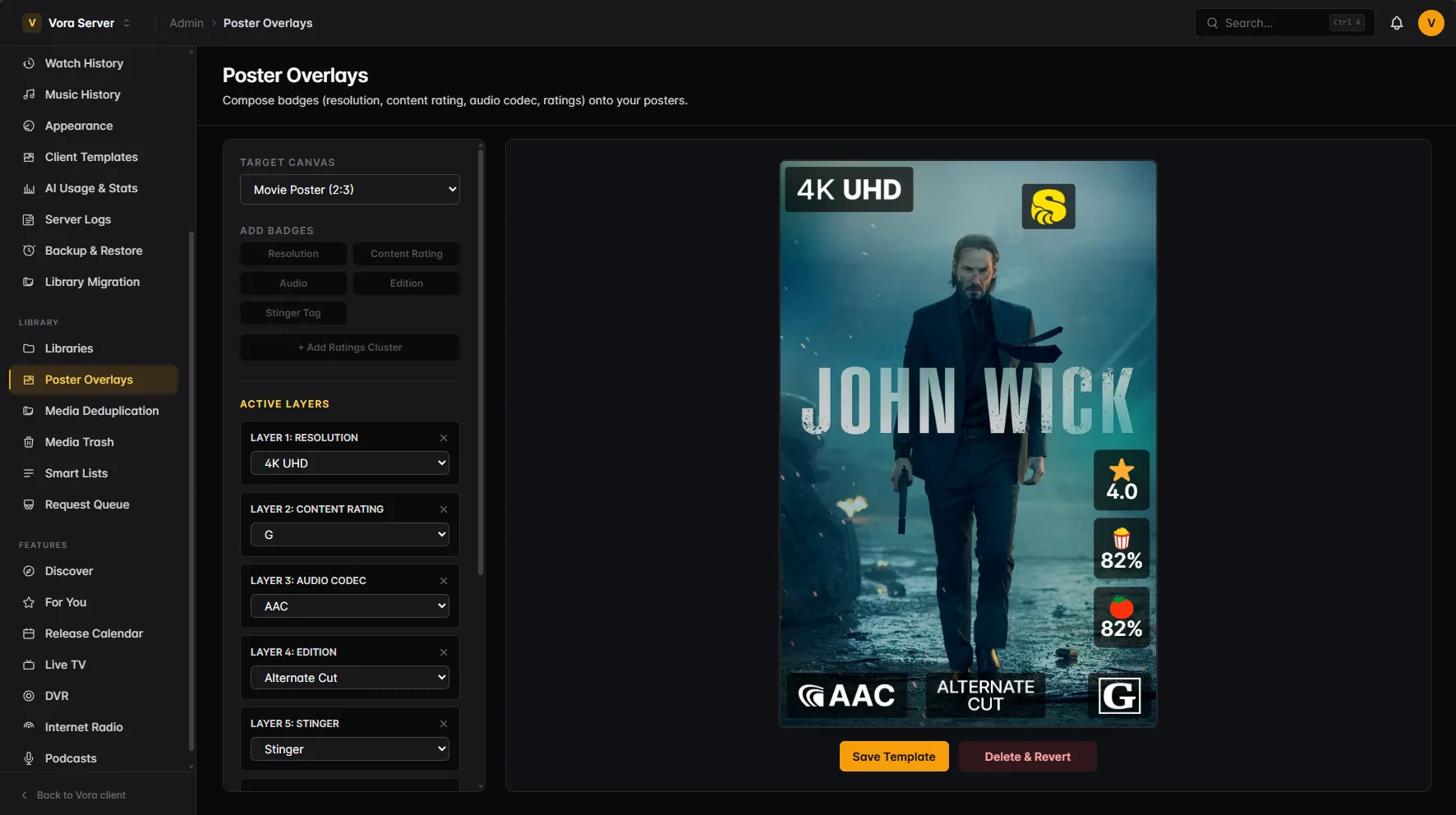
The overlay images come from the Kometa project. Thanks to the whole Kometa team for letting us use their work in Vora, and a particular thank you to Sohjiro and Bullmoose.
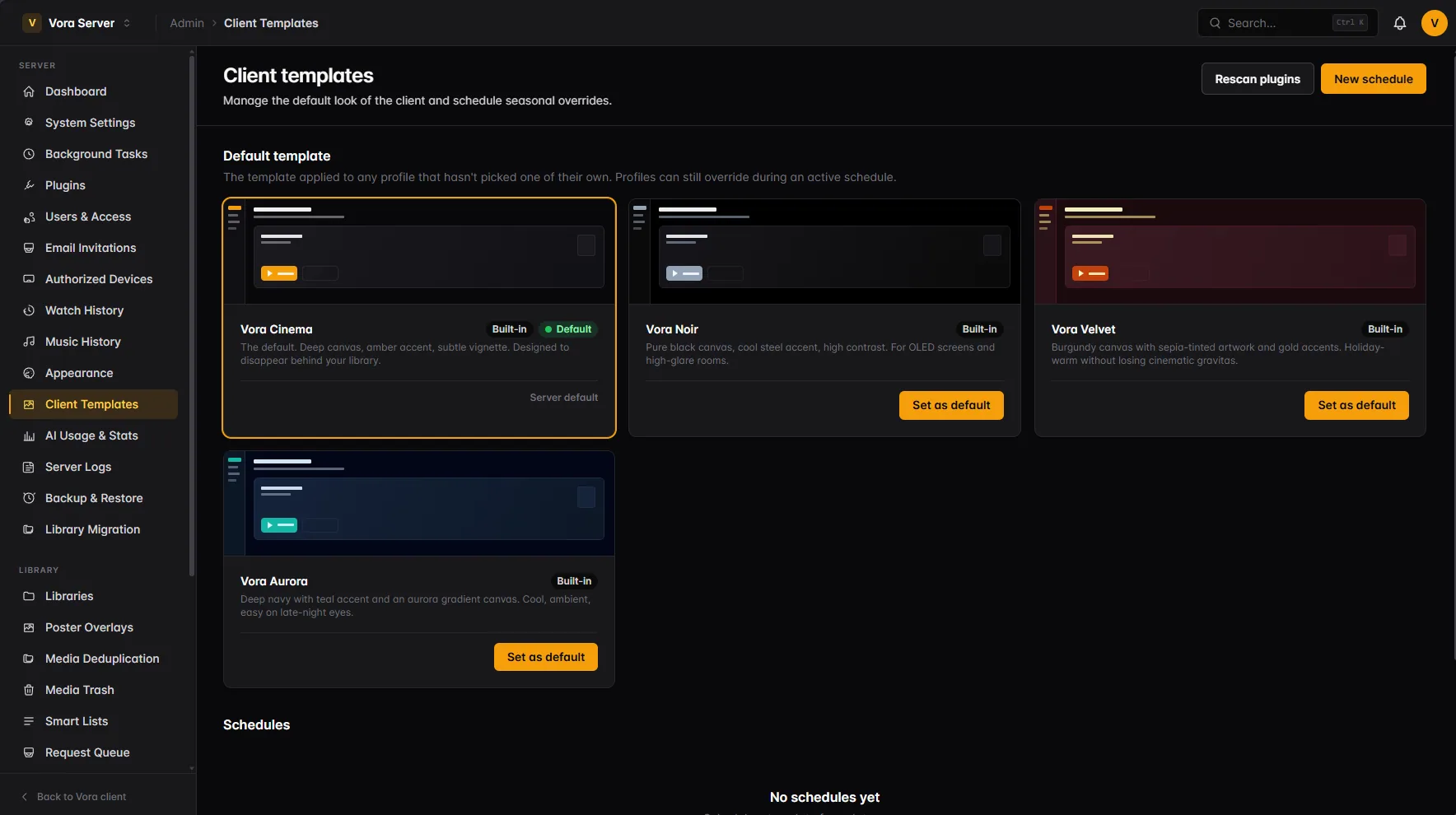
Client templates are managed server-side: pick the default look, schedule seasonal ones by date range, and let each profile override it if they want to.
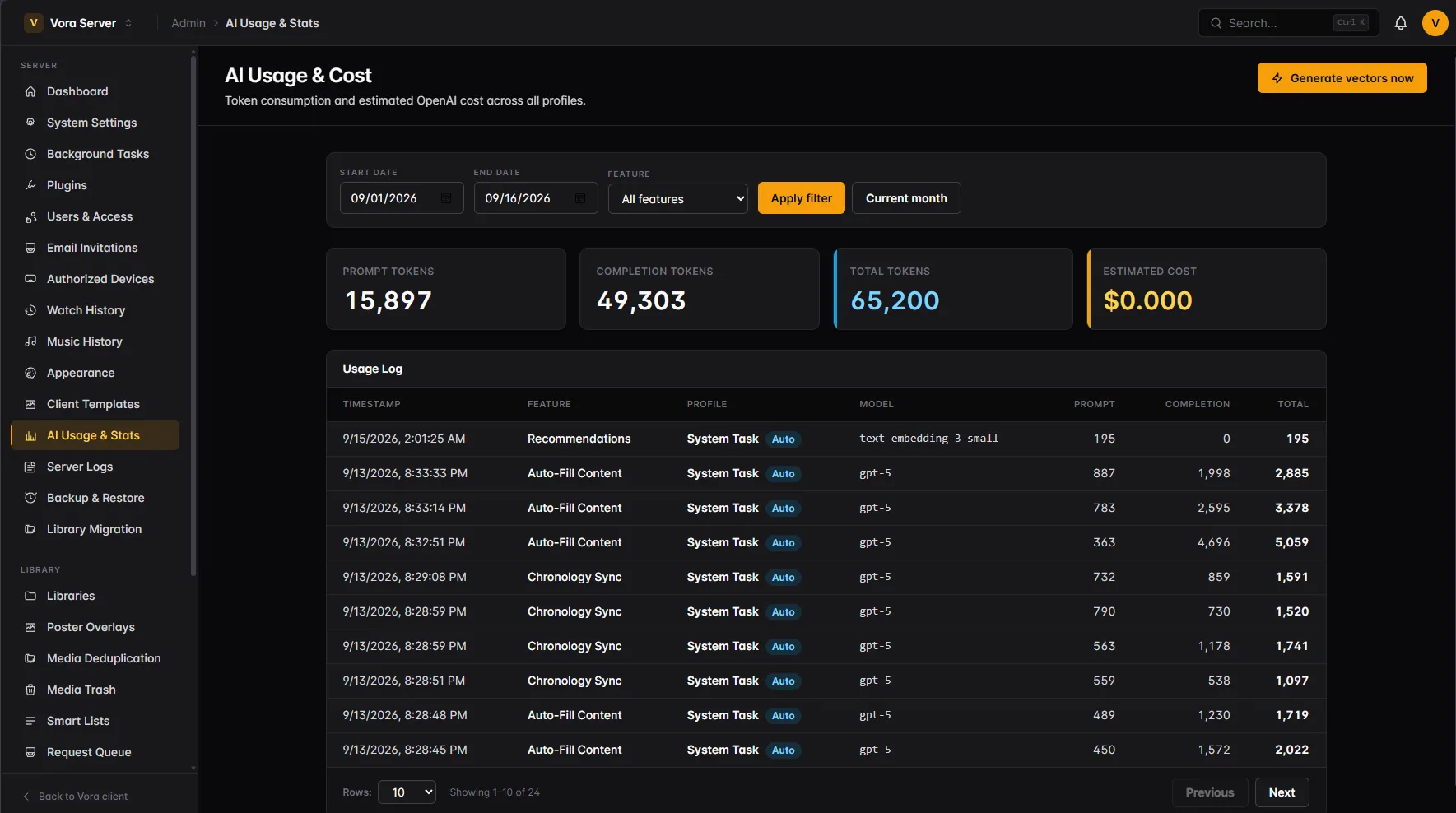
Four features can call a model: filling a collection from a named franchise, ordering one chronologically, embedding the library for recommendations, and AI music playlists. All four are off until you enable them and supply your own OpenAI key, and you set how many playlist requests each profile may make in a day.
Every call is logged with its feature, the profile that triggered it, the model, prompt and completion tokens and an estimated cost, filterable by date range or feature. Embeddings can be generated on demand rather than waiting for the schedule.
Minimal APIs over PostgreSQL with the vector extension, EF Core migrations applied automatically on startup, and SignalR for live updates.
FFmpeg in the container with NVENC, NVDEC and CUDA HDR-to-SDR tone mapping working out of the box on any host running the NVIDIA Container Toolkit.
Image subtitles burn in; text subtitles extract to a content-keyed cache warmed after a scan, never on the play path. OpenSubtitles search is one click from the player.
Silence and black-frame detection clustered across a whole season produces intro, recap, preview and credits markers — with a manual editor when it guesses wrong.
Live, timeshift and DVR all draw from the same concurrent-stream limit, so nothing quietly steals a tuner mid-recording.
Every client identifies itself, authorized devices can be revoked, and permission changes take effect live rather than at the next sign-in.
Postgres with pgvector, the Vora image, your media mounted read-only. It migrates its own schema on every upgrade.